Next.js static export and Core Web Vitals: the 2026 playbook
To reach 95+ PageSpeed mobile on Next.js static export: self-host fonts via raw @font-face (not next/font/local), preload the LCP font with fetchPriority=high, avoid Framer Motion on above-the-fold elements, use CSS transforms only for animations, reserve layout space for i18n content, serve behind Cloudflare free tier.

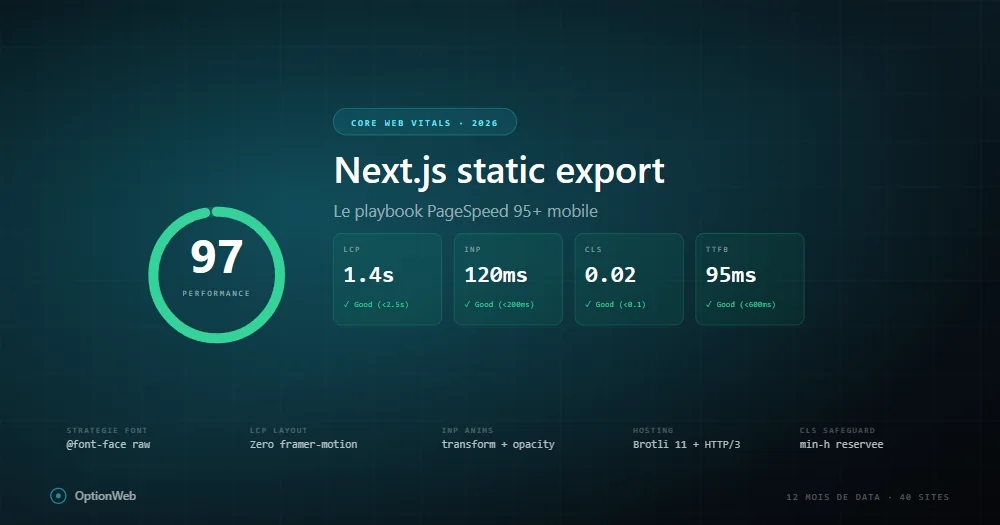
After 12 months of production data on 40+ Next.js sites built with static export, here's the exact playbook we apply to hit 95+ PageSpeed mobile. No theory — only what measurably works.
Baseline: what static export gives you for free
A vanilla Next.js static export site scores 95-100 mobile because all HTML is pre-rendered, TTFB is low, no cold starts, automatic code splitting. The moment you add Framer Motion, Google Fonts, icons, analytics, you drop to 70-85 without realizing.
LCP: the battle against render-blocking CSS
PageSpeed reports show the same issue: two render-blocking CSS files (Tailwind + next/font Google declarations) add ~500ms render delay on mobile throttled. That's 100% of LCP budget.
@font-face {
  font-family: 'Space Grotesk';
  font-style: normal;
  font-weight: 500 700;
  font-display: swap;
  src: url('/fonts/space-grotesk-latin.woff2') format('woff2');
  size-adjust: 102%;
  ascent-override: 95%;
}Font strategy that actually works
- Display font (headings) — 1 variable font via raw @font-face, range 500-700, preload fetchPriority=high.
- Body font — next/font/google Inter with 2 weights (400, 600), latin only, adjustFontFallback=Arial.
- Monospace — next/font/google JetBrains Mono, 1 weight, preload=false.
INP: Framer Motion traps to avoid
INP replaced FID March 2024, much stricter. Above 200ms = 'poor'. Framer Motion often the culprit.
// ❌ Bad: delays LCP
<motion.h1 initial={{ opacity: 0, y: 20 }} animate={{ opacity: 1, y: 0 }}>
  Our title
</motion.h1>

// ✅ Good: CSS keyframe, zero JS delay
<h1 className="ow-anim-fade-up">Our title</h1>
Rules: never animate width/height/top/left (layout reflow). Only transform/opacity. Max 1-2 animations per viewport. Always use useReducedMotion.
CLS: the i18n reservation pattern
On i18n sites, CLS appears when translations load after initial render. Container was empty at first paint, suddenly fills with 3-4 lines. Solution: reserve min-height per breakpoint.
<div className="min-h-[280px] sm:min-h-[220px] md:min-h-[160px] lg:min-h-[130px]">
  <p>{t('tldr.content')}</p>
</div>
Images: AVIF, priority, fetchPriority
images: {
  unoptimized: true, // mandatory for output: 'export'
  formats: ['image/avif', 'image/webp'],
}
In static export, unoptimized: true is mandatory. Pre-generate AVIF + WebP variants at build via sharp script.
Hosting: Brotli 11, HTTP/3, Early Hints
- Origin host — any static host (Cloudways, Netlify, Vercel, S3).
- Cloudflare free tier in front — HTTP/3 QUIC, Brotli 11, edge cache, 30 min setup.
- Enable Early Hints (103) — in Cloudflare dashboard. Eliminates TTFB wait from critical path.
- Cache rule —
_next/static/*→ Cache Everything, Edge TTL 1 year. - Purge cache on deploy — wrangler or Cloudflare API in CI.
How to debug a PageSpeed regression
- Compare PageSpeed reports — last-known-good vs regressed. Note which metric dropped.
- Check critical request chain — see what's blocking render now.
- Chrome DevTools Performance — localhost with throttling. Main thread timeline.
- Git diff deps — new npm package? Heavy libs add First Load JS.
- Check next build output — route +20KB = suspect.
Read next
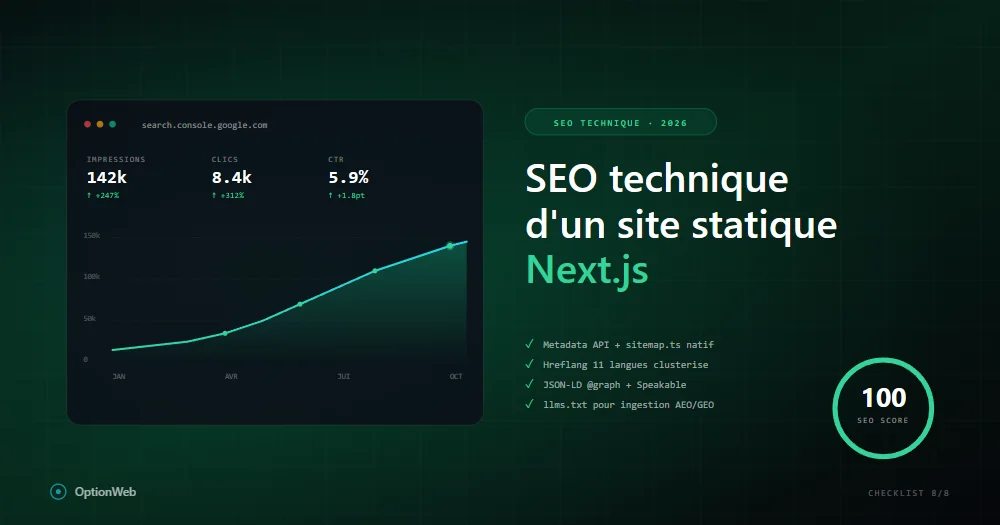
Technical SEO for a static Next.js site: complete 2026 checklist
Everything to configure technically for a Next.js static export site to reach 100/100 on SEO: metadata, JSON-LD, sitemap, hreflang, robots, Speakable, advanced schemas.

Next.js vs WordPress in 2026: which one for a Belgian SMB?
Honest Next.js vs WordPress comparison for SMBs: real costs, performance, SEO, maintenance, security, flexibility. When to choose one or the other based on your profile.
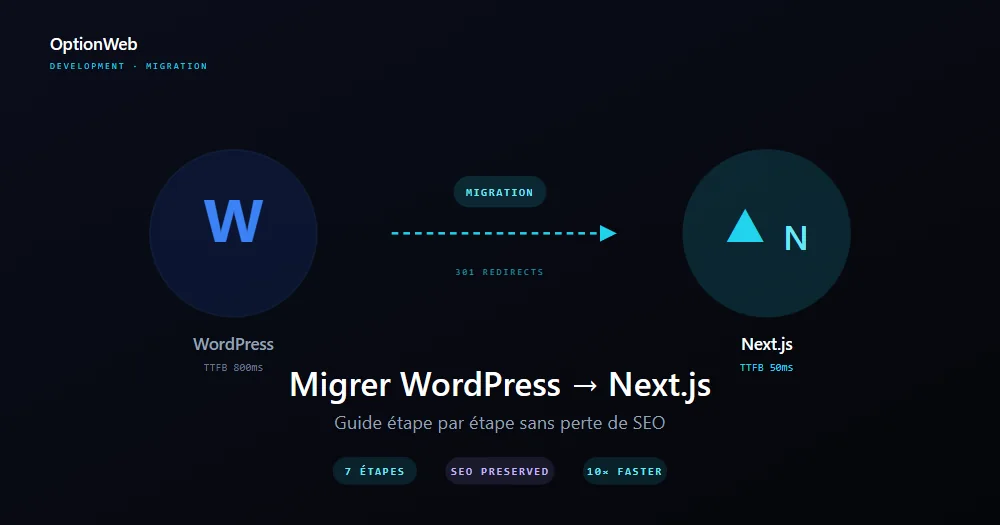
Migrating from WordPress to Next.js: step-by-step guide 2026
Complete plan to migrate a WordPress site to Next.js static export without losing SEO: audit, content export, 301 redirects, UI redesign, measuring performance gains.