Migrating from WordPress to Next.js: step-by-step guide 2026
Migrating a WordPress site to Next.js follows 7 steps: audit existing content, export via WP REST API or plugin, choose Next.js architecture (app router + static export), redesign UI, set up 301s to preserve SEO, validate Search Console, deploy progressively. A well-executed migration maintains rankings and divides TTFB by 10. OptionWeb sites: 4-8 weeks depending on volume.

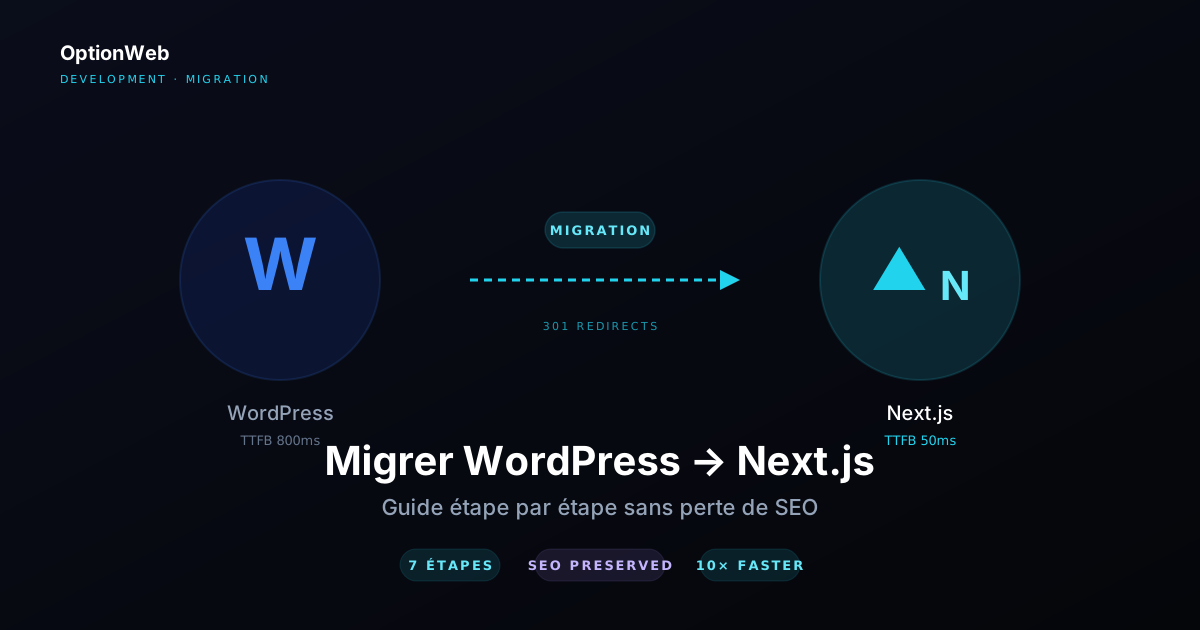
WordPress still powers 43% of the web in 2026, but its limits show quickly: poor out-of-the-box performance (TTFB 600-1500ms typical), high attack surface (43% of web hacks target WordPress per Sucuri 2024), plugin dependency, hidden update costs. For many SMBs we work with at OptionWeb, the question is no longer 'should I migrate?' but 'how do I migrate without breaking SEO?'. Here's the full playbook applied across 30+ migrations.
1. Why migrate (and when not to)
Migrating makes sense in 4 cases: business-critical performance (e-commerce, aggressive lead gen), major design overhaul already planned, technical team that wants out of legacy plugin hell, or need to scale internationally (native Next.js i18n beats WPML/Polylang).
Don't migrate if: non-tech editorial team without a CMS alternative, budget < €10,000, redesign just to 'be modern' (real reason invisible), or site with >100 critical plugins that have no Next.js equivalent.
2. Pre-migration WordPress audit
The audit is the most neglected and most critical step. Skipping this phase = guaranteed SEO loss and production bugs.
Tools for the full audit:
- Screaming Frog SEO Spider — Crawl all URLs (free up to 500 URLs, £159/year above). CSV export of URLs, status codes, meta tags, H1, internal links.
- Google Search Console — Export the 1000 top-performing queries + landing pages. Identifies URLs that absolutely must be preserved.
- Wayback Machine — Historical snapshot of the site for design and content reference.
- WordPress phpMyAdmin — Inventory of custom post types, meta fields, taxonomies, comments.
- Google Analytics 4 — Top 50 pages by sessions, user behavior, bounce rate. These pages must absolutely work after migration.
Audit deliverables: Excel sheet with all URLs (old + new), list of critical plugins with Next.js alternatives, media inventory (total size, formats), list of external integrations (payment, CRM, mailing, chat), mockup of the new URL structure.
3. Content export
Three methods depending on volume and complexity:
| Method | When to use | Limits |
|---|---|---|
| WP REST API (/wp-json) | Site with open API, technical dev | Authentication, pagination, separate media |
| WP All Export plugin | Large volume, custom structure | €59-99, learning curve |
| Native WP XML export | Small site, standard content | No media, rigid structure |
| Scrape via Puppeteer | Site you no longer have admin access to | Slow, fragile, legally questionable |
At OptionWeb, we combine WP REST API (structured content) + a Node.js script for parallel media downloads. Posts are converted to MDX or JSON depending on target architecture. Plan 1-2 days for 500 posts.
import fs from 'node:fs/promises';
import path from 'node:path';

const WP_API = 'https://votre-site.com/wp-json/wp/v2';

async function fetchAllPosts() {
  const allPosts = [];
  let page = 1;
  while (true) {
    const res = await fetch(`${WP_API}/posts?per_page=100&page=${page}&_embed`);
    if (!res.ok) break;
    const posts = await res.json();
    if (posts.length === 0) break;
    allPosts.push(...posts);
    page++;
  }
  return allPosts;
}

const posts = await fetchAllPosts();
await fs.writeFile('content/posts.json', JSON.stringify(posts, null, 2));
4. Target Next.js architecture
2026 recommendation for WordPress → Next.js migration: App Router + static export. Benefits: deploy on any server (no Node.js required), TTFB in milliseconds, immune to WordPress vulnerabilities, infinite scalability.
/** @type {import('next').NextConfig} */
const nextConfig = {
  output: 'export',
  images: { unoptimized: true },
  trailingSlash: true,
  i18n: undefined, // gérer via app/[lang]/ pour static export
};
export default nextConfig;
Recommended folder structure:
- app/[lang]/ — Multilingual routes, page.tsx, [slug]/page.tsx, blog/page.tsx, blog/[slug]/page.tsx
- content/ — JSON or MDX of migrated content, with Zod schema for build-time validation
- components/ — React components (replace gutenberg blocks)
- public/ — Media migrated from wp-content/uploads/
- lib/ — Utilities (markdown to React, hreflang map, etc.)
5. UI redesign and components
Mistake #1: trying to clone the WordPress theme pixel-perfect. It's slow, boring, and misses the opportunity.
Recommended approach: start from wireframes for each page type (homepage, service page, blog post, contact, etc.), redesign with Tailwind components or a custom design system (shadcn/ui, Radix Themes), add modern animations (Framer Motion), go mobile-first.
6. 301 redirects (preserve SEO)
The most critical point of any migration. A single important URL incorrectly redirected = lost Google rankings. Rigorous procedure:
- List all WordPress URLs (Screaming Frog or Google Analytics)
- Sort by 12-month organic traffic (focus on top 80% of traffic)
- Map each old URL to the new Next.js URL
- Configure 301s in .htaccess (Apache) or Next.js rewrites + Cloudflare
- Test each mapping with curl -I or Screaming Frog in redirect-check mode
- Submit the new sitemap to Search Console on launch day
- Monitor 404s in Search Console for 4-6 weeks, add missing redirects
RewriteEngine On

# Redirections 301 anciennes URLs WordPress
Redirect 301 /?p=123 /fr/article-titre-canonique/
Redirect 301 /category/seo /fr/blog/?cat=seo
Redirect 301 /author/admin /fr/equipe/

# Pattern WordPress permalinks date-based
RewriteRule ^([0-9]{4})/([0-9]{2})/([0-9]{2})/([^/]+)/?$ /fr/blog/$4/ [R=301,L]
7. Deployment and validation
Typical deployment plan:
| Phase | Duration | Action |
|---|---|---|
| Pre-deployment | D-7 | Full Next.js site in staging, SEO audit, Lighthouse tests, client validation |
| WordPress snapshot | D-1 | Full WP backup (DB + files), kept 3 months |
| DNS switch | D0 midnight | TTL 300s for 24h, observe propagation |
| Sitemap submission | D0+2h | Sitemap.xml submitted to GSC + Bing Webmaster Tools |
| Intensive monitoring | D0 to D+7 | 404 errors, Search Console, GA4 traffic, Sentry/Datadog alerts |
| Adjustments | D+7 to D+30 | Missing redirects, CWV optimizations |
| Final validation | D+30 to D+60 | Full indexing verified, ranking compared pre/post |
Measured gains after migration
Typical metrics observed across 30+ OptionWeb migrations (SMB sites, 50-500 pages):
- TTFB — WordPress 600-1500ms → Next.js static 30-80ms (divided by 10)
- Lighthouse Performance — WordPress 45-65 → Next.js 95-100 on mobile
- Lighthouse SEO — WordPress 85 (often) → Next.js 100/100 systematically
- Hosting costs — Shared WordPress €15/month → static export on CDN €5-10/month (Cloudflare Pages, Vercel free, Netlify free)
- Security vulnerabilities — Attack surface divided by ~50 (no WP admin, no DB, no PHP execution)
- Organic traffic — +10 to +30% over 3-6 months thanks to CWV gains (Google ranking signals)
Read next
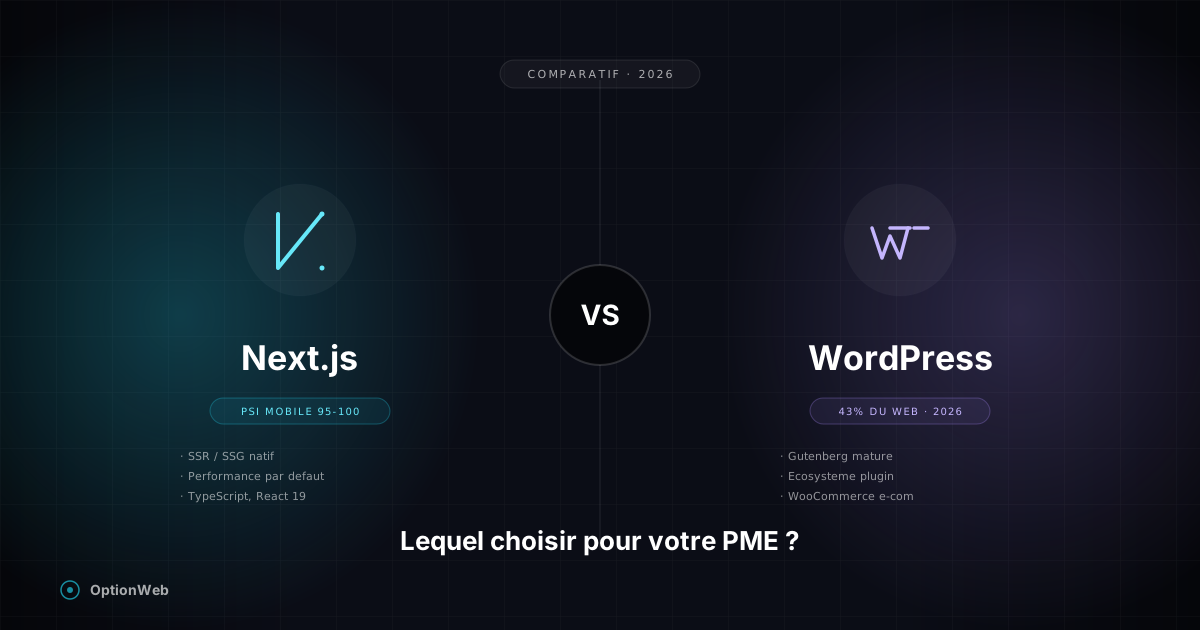
Next.js vs WordPress in 2026: which one for a Belgian SMB?
Honest Next.js vs WordPress comparison for SMBs: real costs, performance, SEO, maintenance, security, flexibility. When to choose one or the other based on your profile.
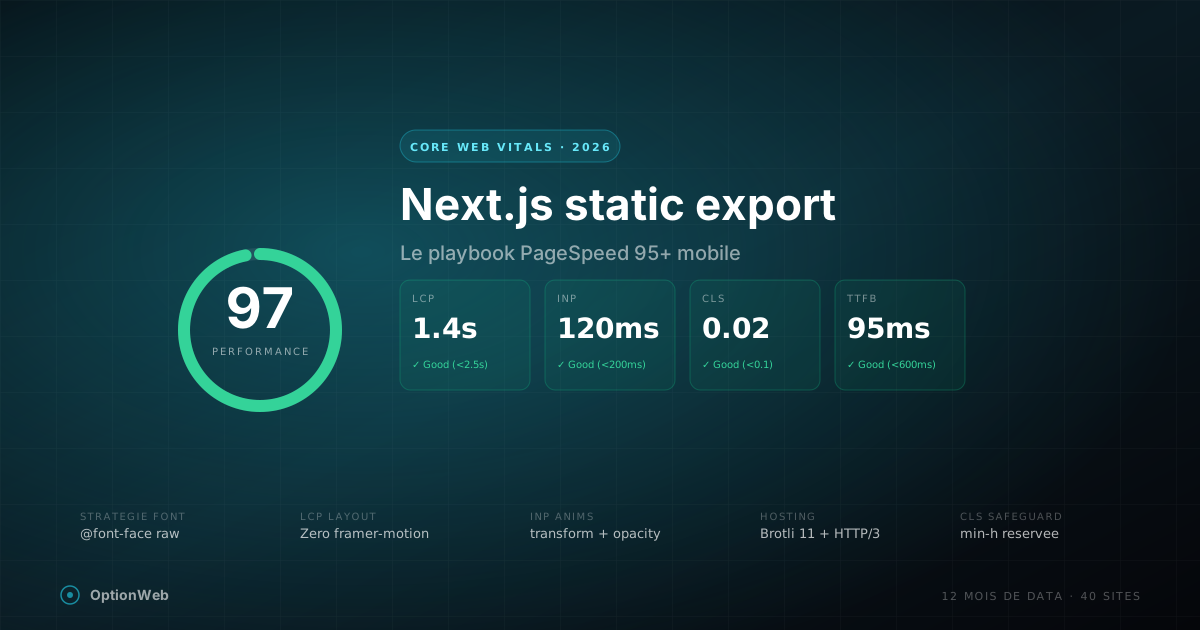
Next.js static export and Core Web Vitals: the 2026 playbook
Every optimization we apply on Next.js static export sites to hit 95+ PageSpeed mobile: font strategy, CSS, LCP, INP, CLS, Framer Motion traps, hosting setup.
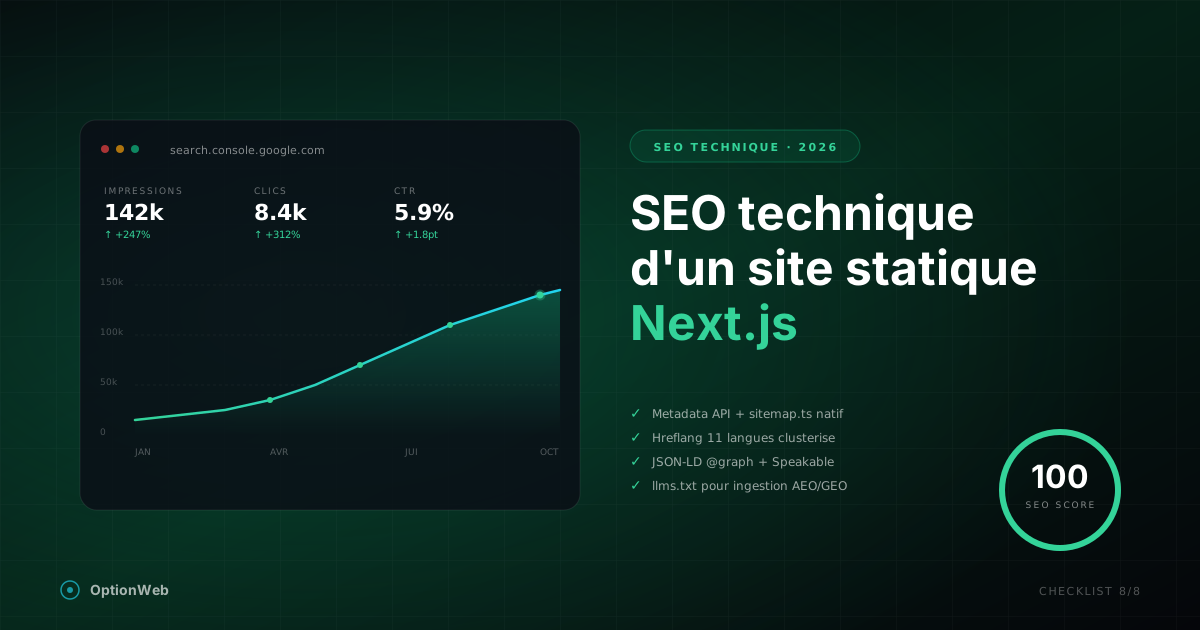
Technical SEO for a static Next.js site: complete 2026 checklist
Everything to configure technically for a Next.js static export site to reach 100/100 on SEO: metadata, JSON-LD, sitemap, hreflang, robots, Speakable, advanced schemas.