Website Redesign Without Losing SEO: The 2026 Guide
A successful website redesign rests on three pillars: an honest diagnosis (dated design, slow site, abandoned CMS), an SEO-safe method (URL inventory in Search Console, exhaustive 301 mapping, keeping the content that ranks) and 90 days of post-launch monitoring. Allow 6 to 10 weeks and 2 890 € to 15 000 € excl. VAT depending on scope. Without a redirect plan, a site can lose 40 to 60% of its organic traffic.

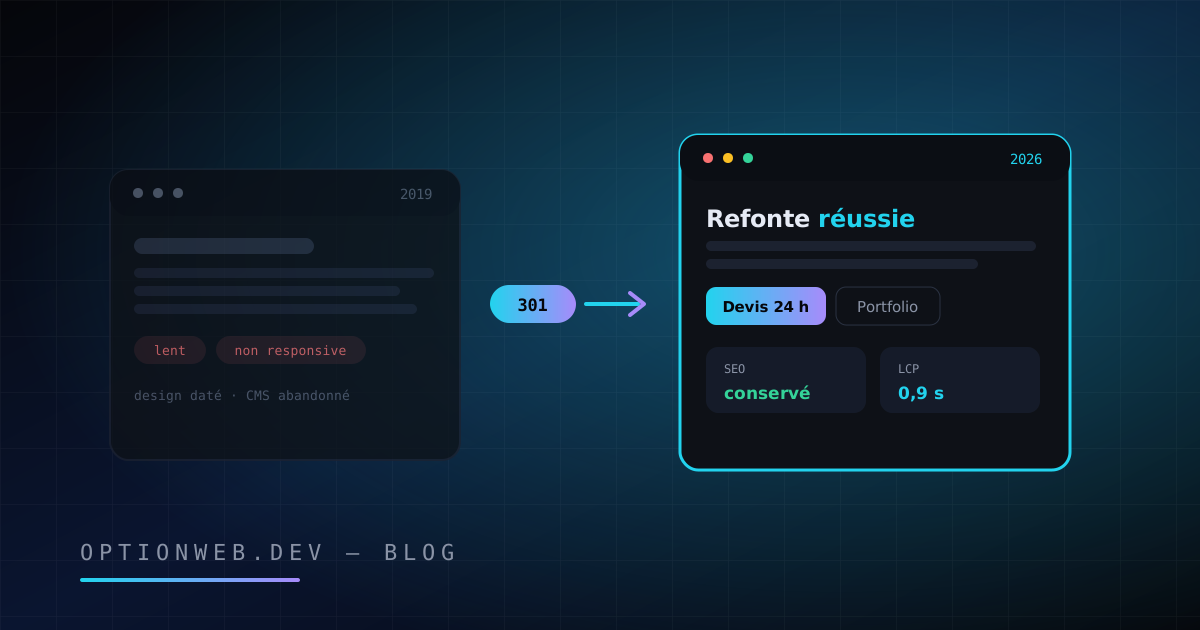
A website redesign means rebuilding your site from the ground up: design, structure, technology, sometimes content. In 2026, a successful redesign follows a precise method: an honest diagnosis of the warning signs, an inventory of ranking URLs via Google Search Console, a 301 redirect mapping, then 90 days of monitoring. Without that method, a site can lose 40 to 60% of its organic traffic within weeks.
This guide is written for Belgian SME owners and self-employed professionals considering a rebuild of their site. Julien Daniel, founder of OptionWeb, walks through the decision criteria, the step-by-step SEO-safe method, the mistakes observed in the field since 2014, realistic costs and a typical timeline. The goal is simple: a modern site that keeps, then outgrows, its current Google rankings.
1. When should you redesign your website?
A website needs a redesign when it actively holds the business back: a design more than 4-5 years old, a broken mobile experience, chronic slowness, an abandoned CMS or a falling conversion rate. Age alone proves nothing: it is the accumulation of several signals that triggers the decision. Here is the checklist OptionWeb uses during audits before recommending any redesign.
- Dated design (over 4-5 years old) — The web's visual codes evolve fast. A site frozen in 2020 projects an image of neglect, especially next to competitors who have modernized theirs. Your design is your first commercial handshake.
- Broken mobile experience — Google indexes the mobile version of your site first (mobile-first indexing). A site that is not responsive, or painful to use on a smartphone, loses both visitors and rankings. In Belgium, the majority of visits now happen on mobile.
- Chronic slowness — According to a Google/SOASTA study, 53% of mobile visitors leave a page that takes more than 3 seconds to load. Core Web Vitals in the red in Search Console are a signal for a technical redesign, not just a cosmetic one.
- Abandoned or obsolete CMS — A WordPress theme no longer maintained, a page builder that has vanished, a PHP version at end of life: every passing month raises the risk of hacking and the cost of catching up. Technical debt always comes due.
- Sagging conversion rate — Traffic but no quote requests, a stagnating average order value, ignored forms: when the audience is there but no longer converts, the site is the problem, not the market.
- Misaligned brand image — New logo, new positioning, new range of services: if your site tells the story of the company as it was five years ago, it works against your current communication.
- Total dependence on your provider — Unable to edit a text or post a news item without paying for an intervention? A modern site should make you self-sufficient for everyday content.
- Organic traffic that has plateaued — If your content is decent but rankings have been flat for 18 months, the cause is often structural: a confusing architecture, ageing technology, non-existent internal linking.
The conversion signal deserves particular attention from e-commerce owners. According to the 2025 Baymard study, 70.2% of online shopping carts are abandoned, and a significant share of those abandonments comes down to the site experience: a checkout that drags on, slowness, a lack of reassurance. Redesigning the purchase journey acts directly on revenue, not just on aesthetics.
Conversely, beware of the reflex “the site is 4 years old, it has to be redone”. A sober, fast, well-structured and regularly updated site can stay effective for 6 to 8 years. The right question is not “how old is my site?” but “is my site costing me customers?”. Run through the checklist above: three signals or more and a redesign is justified; one or two, and targeted improvements are usually enough.
2. Full redesign or continuous improvement: which to choose?
A full redesign rebuilds the site from scratch; continuous improvement fixes the existing site through monthly iterations. A redesign is warranted when the technical foundation is beyond saving or the brand image must change radically. Continuous improvement is preferable when the foundation is sound: it costs less, carries virtually no SEO risk and produces results faster.
An honest agency must know when to advise against a redesign. At OptionWeb, roughly a third of the redesign requests we receive end in a recommendation for targeted improvements: speed optimization, a redesign of the homepage alone, a restructured menu, additional service pages. Rebuilding a site that works means spending a budget and taking an SEO risk for a marginal gain.
| Criterion | Full redesign | Continuous improvement |
|---|---|---|
| Typical situation | Obsolete technical foundation, dated design, brand repositioning | Sound foundation, friction points identified and localized |
| Indicative budget | 2 890 € to 15 000 € excl. VAT as a one-off | 150 € to 500 €/month spread over time (maintenance or SEO plan) |
| Time to results | 6 to 10 weeks of project work, SEO effects within 2 to 3 months | First improvements from the very first iteration |
| SEO risk | Real, but manageable with a rigorous migration plan | Close to zero, every change is isolated and measurable |
| End result | A major quality leap, a new foundation for 5-7 years | Gradual progress, capped by the existing foundation |
When should a redesign be refused? Three typical cases: a site under 2 years old where only one element disappoints (fix the element), a site whose real problem is a lack of traffic (invest in SEO and content first — see our complete SEO guide for SMEs), and a company in the middle of redefining its offer (wait until the positioning is stable before carving anything into a new site).
3. How do you redesign a site without losing your SEO?
An SEO-safe redesign follows one simple principle: after launch, Google must find everything it knew before, at the same address or through a clean 301 redirect. In practice, that means an exhaustive URL inventory, keeping the content that performs, a verified redirect mapping, before/after benchmarks and 90 days of active monitoring. It is the most neglected part of any redesign, and the most expensive when it goes wrong.
The inventory of ranking URLs
Everything starts in Google Search Console. Export the Performance report over 16 months: it lists every URL that received clicks or impressions, along with its associated queries. Complete it with a full site crawl (Screaming Frog or equivalent) to capture pages that are indexed but get no traffic, and with the list of pages receiving backlinks (Search Console, Links report). This file is the map of the territory you must protect: no ranking URL may disappear without a destination.
The inventory almost always turns up surprises. A blog post written in 2022 that drives 30% of organic traffic. An old, forgotten service page still linked by three external sites. An indexed PDF capturing searches. These assets, invisible in day-to-day work, are precisely what redesigns destroy: nobody thinks of them when signing off on the mockups. The inventory makes them visible and non-negotiable.
Golden rule of 301 mapping: every old URL points to the semantically closest new page, never in bulk to the homepage. A redirect-everything-to-home setup is treated by Google as a soft 404: the old page's signal is lost. The mapping is built in a two-column spreadsheet (old URL, new URL), gets a second pair of eyes, and is tested automatically before launch.
- Inventory every URL: a 16-month Google Search Console export, the current sitemap, a full site crawl, the list of pages receiving backlinks.
- Identify the performing pages: clicks and impressions, rankings earned, inbound backlinks, conversions generated. Mark them “keep” in the inventory.
- Freeze the content that ranks: its title tags, Hn headings and body text are carried over into the new site with minimal changes.
- Build the exhaustive 301 mapping: every old URL gets an equivalent destination, page by page, in a spreadsheet approved before any development starts.
- Record your benchmarks: rankings on key queries, monthly organic traffic, indexed pages, Core Web Vitals. Without a “before” snapshot, you cannot prove an “after”.
- Run acceptance tests on staging: redirects bulk-tested, meta tags present, robots.txt correct, sitemap generated, structured data valid.
- Switch over and verify within 24 hours: remove the noindex, submit the new sitemap in Search Console, manually test the 301s on your 20 most strategic URLs.
- Monitor for 90 days: index coverage report, emerging 404 errors, ranking trends. Fix issues every week, without waiting.
90 days of post-launch monitoring
The benchmarks taken before the switchover serve as the reference throughout the monitoring period. Compare week by week: organic clicks, impressions, average position on your 20 priority queries, number of indexed pages. A 10 to 20% dip in the first 3 weeks is normal recrawl turbulence. A 40% drop that persists beyond a month signals a concrete problem: a missing redirect, thinned-out content, a forgotten tag.
Three Search Console reports to check every week for 90 days: Pages (index coverage, to spot abnormal “crawled, not indexed” entries), Performance (compared against the pre-redesign period) and the 404 errors surfaced in the crawl stats. Add a monthly crawl of the new site to detect broken internal links. According to Semrush audit data, roughly 4 in 10 sites have broken internal links — after a redesign, that rate explodes if nobody checks.
4. Which redesign mistakes destroy traffic?
Four mistakes cause the bulk of post-redesign SEO disasters: forgotten 301 redirects, deleting pages that rank, changing URLs without necessity and leaving the staging noindex in production. All of them are avoidable, all of them are common, and all of them strike at the same moment: launch day, when the team is celebrating the new design and nobody is watching Search Console.
| Mistake | Consequence | Prevention |
|---|---|---|
| Forgotten or partial 301 redirects | Old URLs return 404s; Google deindexes them, backlinks point into the void, traffic drops within 2 to 4 weeks | An exhaustive mapping approved before development, automated testing of every redirect on staging |
| Deleting pages that rank | An outright, permanent loss of earned rankings; content rebuilt from scratch starts over from scratch | A 16-month Search Console inventory; every page with traffic is kept or redirected to a real equivalent |
| Changing URLs for no reason | Every modified URL forces Google to re-evaluate the page; multiplied across 100 pages, the whole site floats for weeks | Keep existing URLs wherever possible; change only what is broken |
| Staging noindex left in production | The entire site gradually vanishes from Google, often discovered weeks later | A launch checklist covering robots.txt and meta robots tags, run by two people |
| Title and meta tags reset | The new CMS generates generic titles; CTR and rankings degrade silently | Carry the tags from the inventory into the new back office before the switch, verify with a crawl |
| Old sitemap never replaced | Google keeps crawling dead URLs and discovers the new pages slowly | Generate and submit the new sitemap in Search Console on launch day |
A real case from the field: an SME in Hainaut redesigns its site with a generalist provider. The new design is a success, but the old site's 40 pages become 12 “streamlined” pages, with no redirects. Measured result: -55% organic clicks in six weeks, and quote requests cut in half. Recovery took four months: redirects restored, deleted content republished, sitemap fixed. The cost of the negligence exceeded the price of the redesign itself.
For an e-commerce site, the risk is multiplied: every product page and every category page holds rankings of its own. An e-commerce redesign without product-by-product mapping can wipe out years of long-tail traffic. If your store is affected, our guide to building an e-commerce site in Belgium covers the specifics of catalogues, filters and variant URLs.
5. How much does a website redesign cost?
In Belgium, a website redesign costs between 2 890 € and 15 000 € excl. VAT for most SMEs in 2026. The price depends on the number of pages, the level of custom work, the complexity of the SEO migration and the features involved (multilingual, e-commerce, client area). A redesign costs slightly more than an equivalent new build: the inventory, the 301 mapping and the content carry-over add real days of work.
- SME brochure site (5-15 pages) — From 2 890 € to 6 000 € excl. VAT fully custom, SEO migration included. At OptionWeb, the 100% custom brochure site starts at 2 890 € excl. VAT, delivered in 3 to 6 weeks.
- Content-heavy site (30-100 pages, blog, multilingual) — From 6 000 € to 12 000 € excl. VAT. The migration line item grows with volume: every ranking page must be inventoried, mapped and verified.
- E-commerce — On quotation, generally 8 000 € to 20 000 € excl. VAT and 6 to 10 weeks of project work. Product-by-product mapping and catalogue migration dominate the budget.
These ranges are reference points, not quotes. The full breakdown of cost items, the gaps between freelancers, agencies and online builders, and the traps hidden in “from 500 €” offers are covered in our guide on website prices in Belgium in 2026. At OptionWeb, every request receives a precise line-by-line quote within 24 hours, with no hidden fees.
Think in terms of return on investment rather than expense. A redesigned site that lifts the conversion rate from 1% to 2% doubles inbound enquiries on the same traffic. For an SME where one client is worth 1 500 €, a few extra conversions per month pay back the redesign in under a year. That calculation, not aesthetics, is what should validate the budget.
6. What timeline should you plan for a redesign?
A brochure site redesign runs 6 to 10 weeks, from the initial audit to launch. An e-commerce site also takes 6 to 10 weeks at OptionWeb, depending on catalogue size. On top of that project timeline come the 90 days of post-launch monitoring, an integral part of the redesign even though they only require a few hours per week.
- Weeks 1-2: audit and scoping — Audit of the existing site, full SEO inventory (Search Console, crawl, backlinks), measurable objectives defined, target site structure and an approved brief.
- Weeks 2-3: design — Mockups of the key pages, design sign-off, final site structure frozen. This is where the 301 mapping takes shape: old structure against new.
- Weeks 3-6: development and content — Technical build, performing content carried over as is, weak pages rewritten, redirects set up on staging.
- Weeks 6-7: acceptance testing — Bulk 301 testing, tag checks, structured data validation, speed and mobile display tests, “before” benchmarks locked in.
- Week 8: launch and checks — Switchover, noindex removal, sitemap submission, manual testing of the critical URLs, first inspection in Search Console.
- Weeks 8-20: monitoring — Weekly tracking of rankings, indexing and 404s for 90 days. Immediate fixes for every anomaly detected.
Two scheduling tips learned in the field. First: freeze the content two weeks before the switchover; a site that keeps changing while it is being migrated makes the mapping obsolete. Second: go live on a Tuesday or Wednesday morning, never on a Friday. If a problem surfaces, the team is available over the following days to fix it, and Google crawls actively on weekdays.
7. Should you migrate to Next.js during the redesign?
A redesign is the right moment to change technology, because the migration cost dissolves into the project. Many SMEs leave WordPress for a static Next.js site on this occasion: markedly higher speed, a near-zero attack surface, no plugin updates ever again. The topic deserves a guide of its own: our article on migrating from WordPress to Next.js details the method, the cases where WordPress remains the right choice and the technical steps.
The gain is not theoretical. According to HTTP Archive (Web Almanac), the median mobile web page weighs more than 2.2 MB, heavily inflated by generic themes and plugins; a custom static site often comes in under 500 KB. For a real-world example of a redesign with a technology change, see our client case study of a Wix to Next.js migration and its impact on organic traffic. The SEO-safe method described here applies to it exactly as written: the technology changes, the migration rules do not.
In short: a successful website redesign is first a preservation operation, then a modernization operation. The URL inventory, the 301 mapping, keeping the content that performs and the 90 days of monitoring are not technical options: they are the guarantees that your new site starts out with the old one's equity instead of starting from zero.
OptionWeb has been managing redesigns end to end since 2014: audit of the existing site, complete SEO migration, custom Next.js development, cloud hosting in Europe and post-launch monitoring. Precise quote within 24 hours via contact@optionweb.dev or +32 491 14 01 01. Meetings available in Charleroi, Namur, Liège, Mons and Brussels, or by video call.
Read next
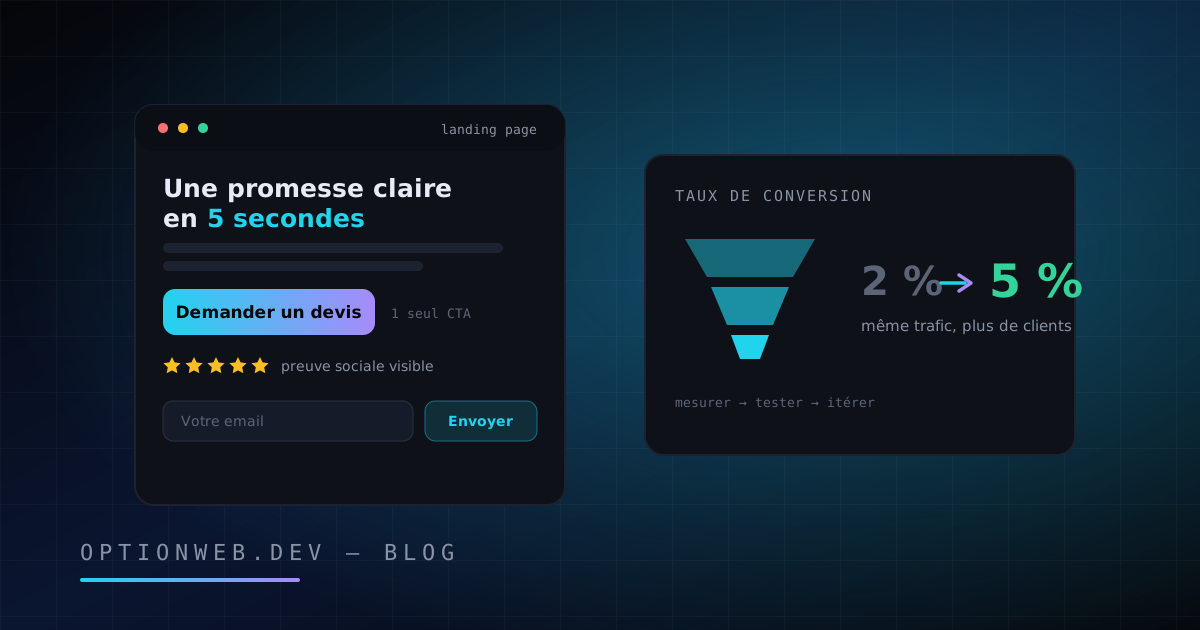
Landing Page Conversion Rate: The Complete CRO Guide 2026
Landing page conversion rates: benchmarks by industry, the anatomy of a page that converts, and a simple CRO method for SMEs. The practical 2026 guide.
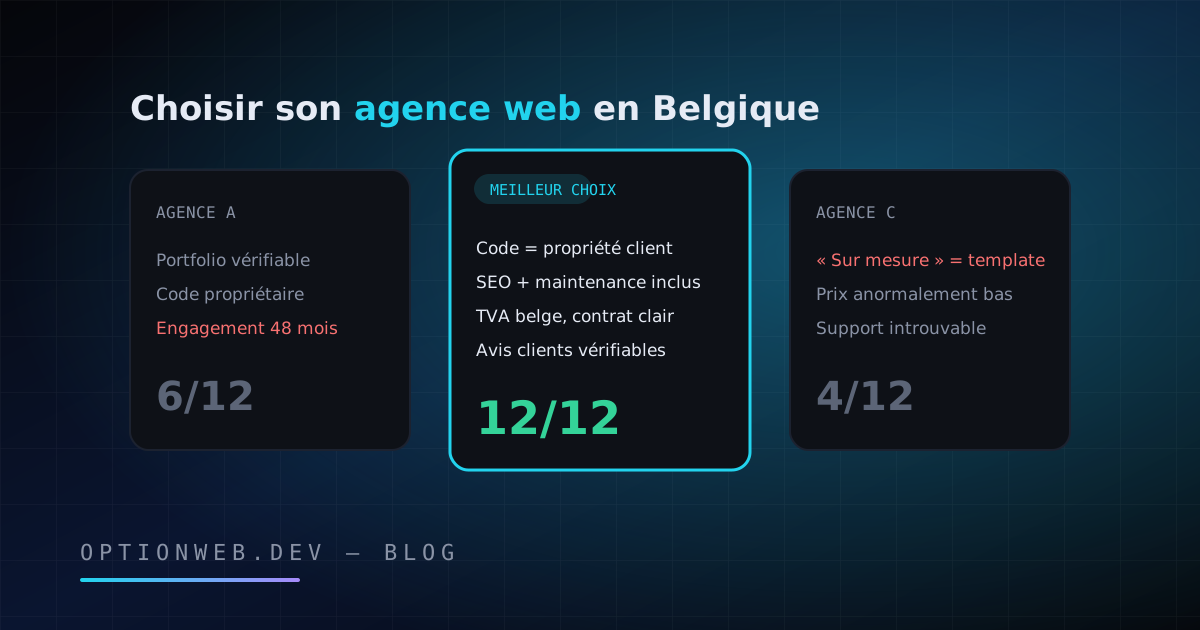
How to Choose a Web Agency in Belgium: 12 Criteria for 2026
How to choose a web agency in Belgium in 2026? 12 concrete criteria, red flags, questions to ask at the first meeting and a ready-to-use scoring grid.
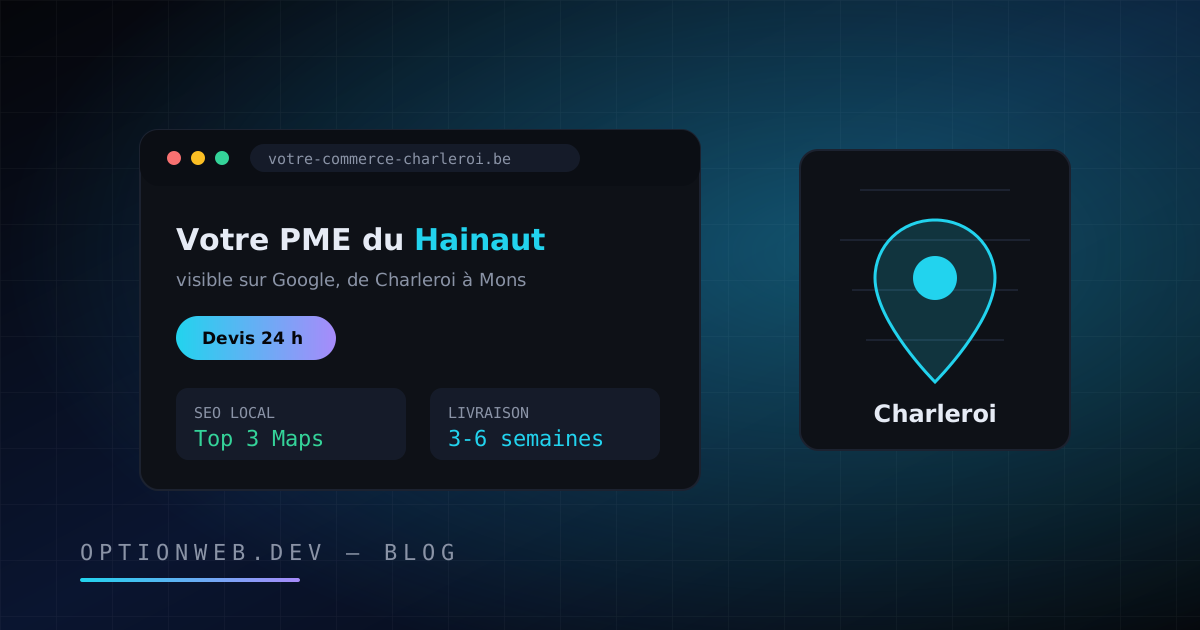
Website Creation in Charleroi & Hainaut: 2026 Local Guide
Website creation in Charleroi and Hainaut: realistic 2026 prices, project steps and local SEO, from a web agency based in Châtelet since 2014.