Web Accessibility and the European Accessibility Act 2025: WCAG 2.2 Guide
The EAA 2025 requires WCAG 2.2 level AA compliance for e-commerce, banking, transport, telecom and digital services in the EU. Penalties: administrative fines up to several million euros, market withdrawal. Audit mandatory before June 2025 (retroactive). 2026 stack: axe DevTools, Lighthouse a11y, screen readers (NVDA, VoiceOver), full keyboard navigation, 4.5:1 contrast, alt text, ARIA labels, labelled forms.

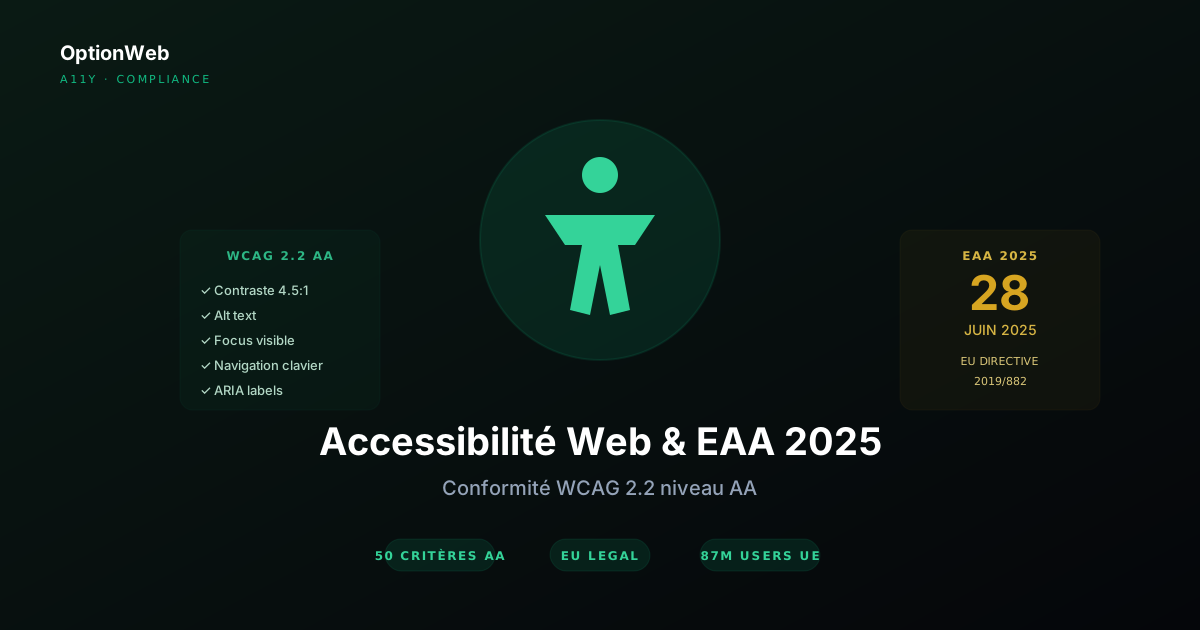
On 28 June 2025, the European Accessibility Act (EU Directive 2019/882) came into application after 5 years of transition. Almost every European SME operating online is now concerned, and WCAG 2.2 level AA compliance is no longer optional. Here is what to know and do in 2026 to stay on the right side of the law — and to simply make your website usable by the 87 million Europeans with disabilities.
1. What is the European Accessibility Act?
The EAA (Directive 2019/882) harmonises digital accessibility rules across the European Union. Adopted in 2019, transposed by Member States between 2020 and 2022, it came into force on 28 June 2025 — with retroactivity for existing services.
Reference technical standard: EN 301 549 v3.2.1, aligned directly with WCAG 2.1 AA (WCAG 2.2 extension expected in 2027). In practice, in 2026, targeting WCAG 2.2 AA has become the industry standard.
2. Who is concerned in 2026?
Non-exhaustive list of businesses concerned by the EAA:
- B2C e-commerce — Any online store selling to consumers in the EU (Shopify, WooCommerce, Magento, custom)
- Online banking services — Sites and apps of banks, neobanks, payment services
- Passenger transport — Ticketing sites, traffic info, mobility apps
- Telecommunications — Phone/internet operators, subscription and account management sites
- Digital services — SaaS, booking platforms, marketplaces, audiovisual services
- E-books and e-readers — Ebook publishers, reader vendors
Microenterprise exemption: company with fewer than 10 staff AND less than €2M annual turnover. Cumulative criteria — exceeding either one = mandatory compliance.
3. WCAG 2.2 level AA: 50 key criteria
WCAG 2.2 level AA contains 50 success criteria organised around 4 principles: Perceivable, Operable, Understandable, Robust (POUR). The most impactful for an SME:
| Criterion | Level | Impact |
|---|---|---|
| Alt text on all images | A | Critical — without alt, image is invisible to screen readers |
| Text contrast 4.5:1 (3:1 large) | AA | Critical — affects low-vision AND normal vision in bright sunlight |
| Full keyboard navigation | A | Critical — 5% of users cannot use a mouse |
| Visible focus (focus ring 2-4px) | AA | Critical — without focus ring, keyboard navigation impossible |
| Labels associated with inputs | A | Critical — forms unusable without labels |
| ARIA roles/labels on custom components | A | Critical — modals, dropdowns, accordions |
| Logical heading hierarchy | A | Important — H1→H2→H3 without H2→H4 jumps |
| Text resizable up to 200% | AA | Important — no overflow, no horizontal scroll |
| Minimum target size 24×24 CSS pixels | AA (2.2) | New 2.2 — clickable buttons and links |
| Accessible authentication | AA (2.2) | New 2.2 — no auth based solely on memory/cognition |
4. Accessibility audit: tools and method
OptionWeb 3-tier methodology:
- Automated audit — covers 30-40% of issues in 30 minutes
- Manual audit — covers the remaining 60-70% in 4-8 hours
- Real user tests — final validation with people with disabilities
| Tool | Type | Price | Coverage |
|---|---|---|---|
| axe DevTools | Auto (extension) | Free | Excellent, +10% in pro |
| Lighthouse a11y | Auto (Chrome) | Free | Good, built into DevTools |
| WAVE | Auto (extension) | Free | Good, error visualisation |
| Pa11y CLI | Auto (CI/CD) | Free | Excellent for automation |
| NVDA | Screen reader | Free (Windows) | Standard for manual audit |
| VoiceOver | Screen reader | Included macOS/iOS | Apple standard |
| Stark | Pro audit | $8-30/month | Figma plugin + live audit |
| Tenon.io | API audit | $0.02/scan | For devs, custom integration |
5. Priority fixes (by impact)
Top 10 fixes that solve 80% of accessibility issues on an SME site:
- Add descriptive alt text to all content images (empty alt for decorative)
- Check 4.5:1 contrast on all text (Stark, axe or Color Contrast Analyser)
- Test full keyboard navigation: Tab + Shift+Tab + Enter + Space + arrows
- Add visible focus rings 2-4px (never outline: none without alternative)
- Associate every <input> with a <label for> or wrapping <label>
- Add ARIA roles/labels on custom components (modal, dropdown, tabs)
- Check heading hierarchy: unique H1 per page, logical order without jumps
- Allow 200% zoom without overflow or horizontal scroll
- Convert target size to min 24×24 CSS pixels (buttons, clickable links)
- Skip link 'Skip to main content' at start of page (visible on focus)
export function SkipLink() {
  return (
    <a
      href="#main-content"
      className="absolute left-0 top-0 -translate-y-full bg-cyan-300 text-black px-4 py-2 z-[100] focus:translate-y-0 transition-transform"
    >
      Aller au contenu principal
    </a>
  );
}
6. Accessibility statement
Mandatory document on a dedicated page (footer link), to be updated annually. Must contain:
- Compliance level reached — Fully compliant / Partially compliant / Non-compliant
- Evaluation methodology — Internal or external audit, tools used, audit date
- Standards applied — WCAG 2.2 AA, EN 301 549, RGAA if France
- List of known non-accessible content — With remediation timeline
- Exempt content — If applicable (disproportionate burden, archives) with justification
- Contact details — Email/form to request an accessible version
- Right of appeal — Mention of right to refer to the competent authority (ARCOM in France, ombudsman)
7. Penalties and risks
Risk level by country:
| Country | Maximum penalties | Authority |
|---|---|---|
| France | Up to €50,000 per non-compliance (RGAA + EAA) | ARCOM, DGCCRF |
| Belgium | Variable by Region (Wallonia, Flanders, Brussels) | Federal EAA Commission |
| Germany | Up to €100,000 (BFSG) | Marktüberwachungsbehörden |
| Spain | Up to €600,000 (LGCA) | Ministerio de Asuntos Económicos |
| Italy | Up to 5% of turnover (Stanca Act + EAA) | AgID |
| Netherlands | Variable per ACM | Autoriteit Consument & Markt |
Related risks often costlier than the fine:
- Class action — Possible in France and Belgium, cumulative damages potentially significant
- Loss of public contracts — Mandatory accessibility clauses in public tenders
- Reputational damage — Public lists of non-compliant sites by associations (APF, Valentin Haüy)
- Audience loss — 15-20% of the European population has a disability
2026 compliance checklist
- EAA applicability confirmed — Scope check + microenterprise exemption
- Full audit completed — Auto + manual + user tests within 12 months
- Top 10 fixes applied — Alt, contrast, focus, labels, ARIA, hierarchy, zoom, target, skip link
- Accessibility statement published — Dedicated page, footer link, annual update
- Tests integrated in CI/CD — jest-axe or Playwright + axe-core on every PR
- Editorial team training — Writing alt text, contrast, structure
- Annual external audit scheduled — Validation by a third-party expert
Read next

GDPR and your website in 2026: compliance guide for European SMEs
Cookies, Consent Mode v2, non-EU transfers, DPO, processing register, retention periods: everything an SME must configure in 2026 to stay GDPR compliant.
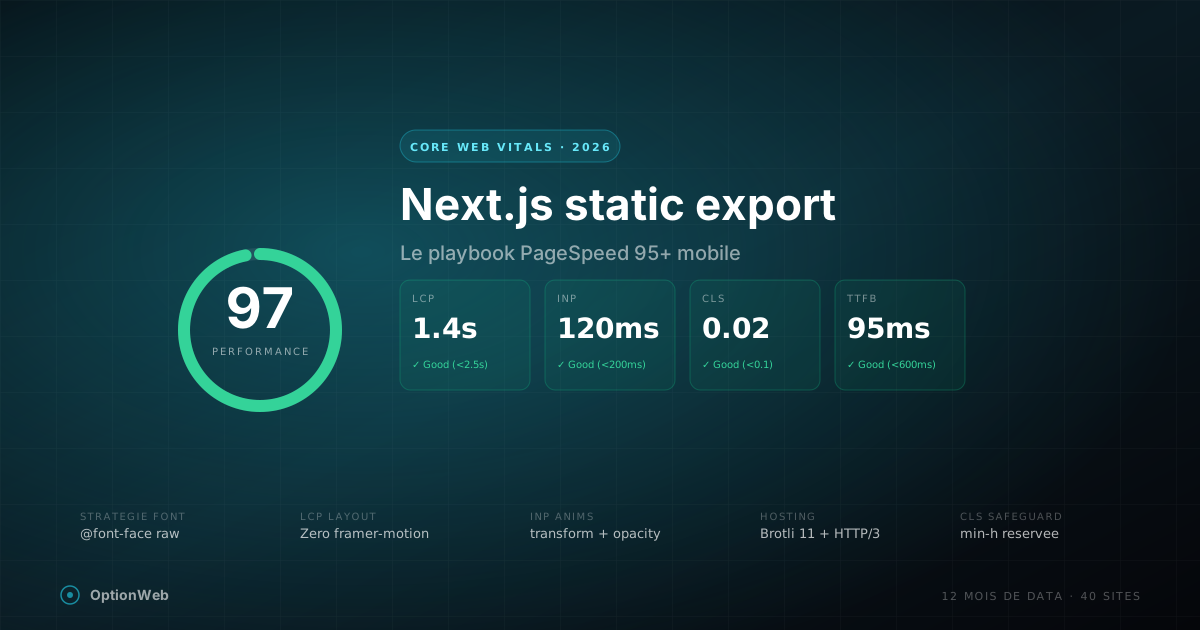
Next.js static export and Core Web Vitals: the 2026 playbook
Every optimization we apply on Next.js static export sites to hit 95+ PageSpeed mobile: font strategy, CSS, LCP, INP, CLS, Framer Motion traps, hosting setup.
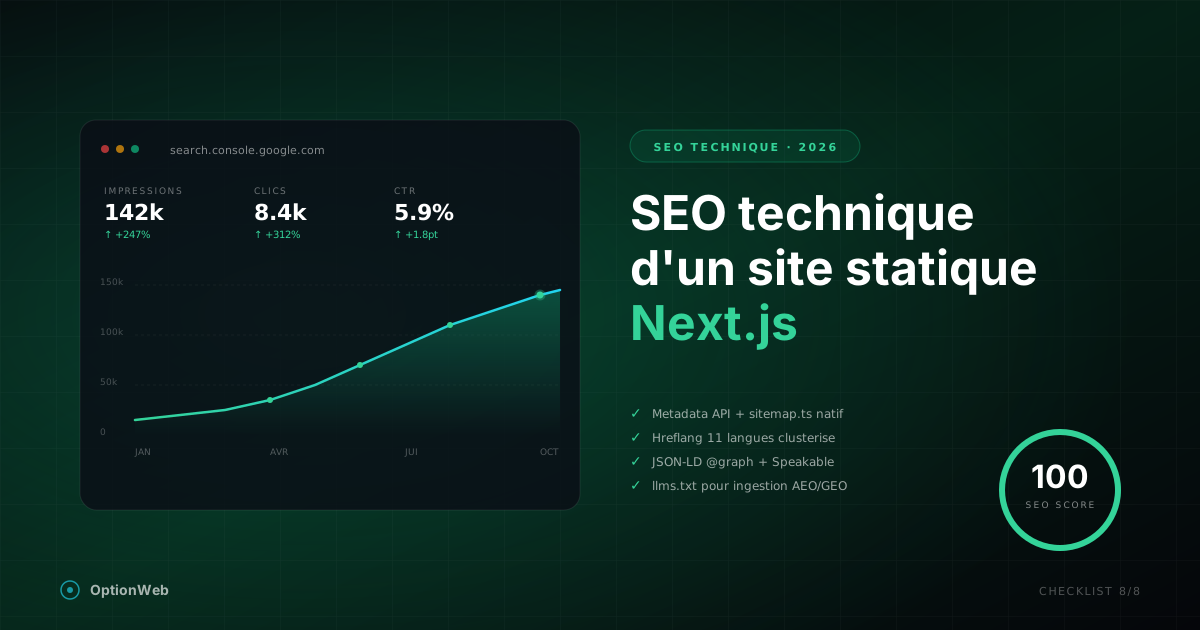
Technical SEO for a static Next.js site: complete 2026 checklist
Everything to configure technically for a Next.js static export site to reach 100/100 on SEO: metadata, JSON-LD, sitemap, hreflang, robots, Speakable, advanced schemas.