Multilingual SEO and hreflang in practice: 11-language experience guide
Multilingual SEO fails in 70% of cases due to lack of reciprocal hreflang or inconsistent URL architecture. Stack 2026: URLs with /lang/ subfolder (no geographic domains except in specific cases), hreflang in Next.js Metadata + sitemap, x-default for fallback language, human translations (not automatic) on the 50 priority pages, content adaptation per market. Our optionweb.dev site has been operating in 11 languages in production for 18 months.

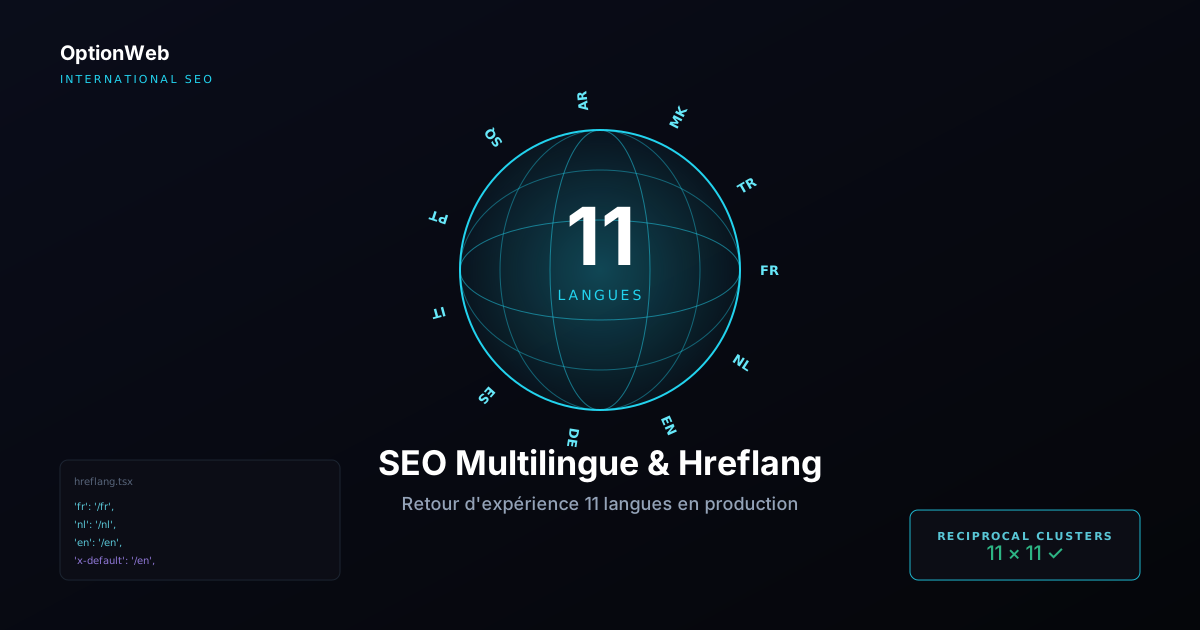
Our optionweb.dev site has been running in 11 languages for 18 months — FR, NL, EN, DE, ES, IT, PT, SQ, AR, MK, TR. This production rollout made us discover all the multilingual SEO pitfalls that no theoretical guide mentions. Here is the complete experience report and the methodology we now apply on all international client projects at OptionWeb.
1. URL architecture: subfolder vs subdomain vs ccTLD
Three architecture options for a multilingual site. The initial choice impacts everything else:
| Architecture | Example | Advantages | Disadvantages |
|---|---|---|---|
| Subfolder | site.com/fr/, /en/ | 1 domain = shared equity, simple to configure | No strong geographic signal |
| Subdomain | fr.site.com, en.site.com | Separable DNS configuration, local teams | Backlink equity partially separated |
| ccTLD | site.fr, site.be, site.de | Max geographic signal, local branding | Domain cost + infrastructure × N countries |
Recommendation 2026: subfolder /lang/ for 90% of SMEs and companies. That's our choice on optionweb.dev. ccTLD only if you are Amazon or IKEA.
2. Hreflang: reciprocity is non-negotiable
Hreflang is the meta tag that tells Google which version of the page to serve to which user according to their language/country. Without correct hreflang, Google ranks only one version (usually EN) and ignores the others = massive loss of international traffic.
Absolute rule: reciprocity. If /fr/ points to /en/, then /en/ must point back to /fr/. Without reciprocity, Google ignores ALL hreflang on the page.
export async function generateMetadata({ params }: Props): Promise<Metadata> {
  const { lang } = params;

  return {
    title: t('home.title', { lng: lang }),
    alternates: {
      canonical: `https://optionweb.dev/${lang}`,
      languages: {
        'fr': 'https://optionweb.dev/fr',
        'nl': 'https://optionweb.dev/nl',
        'en': 'https://optionweb.dev/en',
        'de': 'https://optionweb.dev/de',
        'es': 'https://optionweb.dev/es',
        'it': 'https://optionweb.dev/it',
        'pt': 'https://optionweb.dev/pt',
        'sq': 'https://optionweb.dev/sq',
        'ar': 'https://optionweb.dev/ar',
        'mk': 'https://optionweb.dev/mk',
        'tr': 'https://optionweb.dev/tr',
        'x-default': 'https://optionweb.dev/en',
      },
    },
  };
}
Hreflang code format: ISO 639-1 (language, e.g. 'fr') OR ISO 639-1 + ISO 3166-1 (language-country, e.g. 'fr-BE'). The language-country format targets a specific market. Using only the language is enough in 90% of cases.
3. x-default and language fallback
The x-default attribute indicates the version to serve if the user's language is not in the hreflang list. It's your SEO 'lifeguard': without x-default, a Japanese user arriving on your multilingual site sees a random page according to Google's algorithm.
Best practice: point x-default to the most universal fallback language (often EN), or to a language selection page if you have one.
4. Multilingual sitemap or sub-sitemaps
Two approaches according to volume:
- Single sitemap with hreflang xhtml:link — For <5000 URLs total. Each URL lists its variants via xhtml:link. Heavy but centralised.
- Sub-sitemaps per language + sitemap_index — For >5000 URLs. One sitemap.xml per language (sitemap-fr.xml, sitemap-en.xml...), all referenced in sitemap_index.xml.
export const dynamic = 'force-static';

export default function sitemap(): MetadataRoute.Sitemap {
  const SUPPORTED_LANGS = ['fr','nl','en','de','es','it','pt','sq','ar','mk','tr'];
  const PAGES = ['', '/blog', '/services', '/contact'];

  const urls: MetadataRoute.Sitemap = [];

  for (const page of PAGES) {
    for (const lang of SUPPORTED_LANGS) {
      urls.push({
        url: `https://optionweb.dev/${lang}${page}`,
        lastModified: new Date(),
        alternates: {
          languages: Object.fromEntries(
            SUPPORTED_LANGS.map(l => [l, `https://optionweb.dev/${l}${page}`])
          ),
        },
      });
    }
  }

  return urls;
}
5. Language detection: auto-redirect or user choice
When a new visitor arrives on your root optionweb.dev/, you have 3 options:
- Auto-redirect based on Accept-Language header → /fr/, /en/, etc. (risky UX but max conversion)
- Language choice page with memorisation cookie (explicit UX, penalises initial conversion)
- Fallback x-default + 'Switch to your language?' banner (recommended compromise)
Our choice on optionweb.dev: option 3. The root / redirects to /fr/ (default language), with a discreet banner offering to switch if Accept-Language indicates another supported language. Memorisation cookie to avoid re-offering the switch on each visit.
6. Translation strategy: human vs automatic
This is the main budgetary question of multilingual SEO. Three options according to business priority:
| Approach | Cost/page | SEO quality | When to use |
|---|---|---|---|
| Pro human translation | 15-50 € | Excellent | Top 20-50 strategic pages |
| Post-edited machine translation (MTPE) | 5-15 € | Good | Secondary pages, voluminous blog |
| Raw machine translation (DeepL, Google) | 0,001 € | Mediocre | Drafts, low-criticality content |
Recommended plan for exporting SME: top 30 pages in pro human translation, blog in MTPE, rest in raw MT marked noindex until human edit. Initial budget: 1 500-5 000 € for the top 30 pages × 10 languages.
7. The 8 multilingual pitfalls (experienced in production)
List of mistakes we made or saw on client projects in 18 months:
- Non-reciprocal hreflang: Google ignores everything. Mandatory monthly audit with Merkle Tool.
- Aggressive auto-redirect based on geographic IP: French user on holiday sees Turkish.
- Raw automatic translations on product pages: collapsing conversion, weak engagement signals, falling ranking.
- x-default pointing to main language instead of EN: users outside supported languages land on incomprehensible French.
- Forgetting to localise JSON-LD schemas: Organization in EN, Article in FR = inconsistency for Google.
- Pages duplicated between very close languages (PT-PT vs PT-BR, ES-ES vs ES-MX) without granular hreflang: cannibalisation.
- Sitemap not updated after adding a new language: new URLs never indexed for 6 months.
- Language cookie blocking crawlers: Googlebot only sees one language, others invisible.
Validation and monitoring tools
- Hreflang Tags Testing Tool (Merkle) — Free. Verifies hreflang reciprocity on any URL. To use monthly.
- Google Search Console > International Targeting — Section dedicated to hreflang errors detected by Google. Classic 'No return tags' notification.
- Screaming Frog SEO Spider — Full site crawl with batch hreflang audit. 159 £/year pro version. Indispensable for large sites.
- Sistrix — Ranking tracking per country/language. 100-300 €/month. For companies with international reporting budget.
- Ahrefs Site Audit — Includes hreflang audit. 99 $/month minimum. Good for one-shot audit before multilingual launch.
- Manual curl audit — Free. Check the hreflang returned by each URL via 'curl -I' and HTML inspection.
Read next
Technical SEO for a static Next.js site: complete 2026 checklist
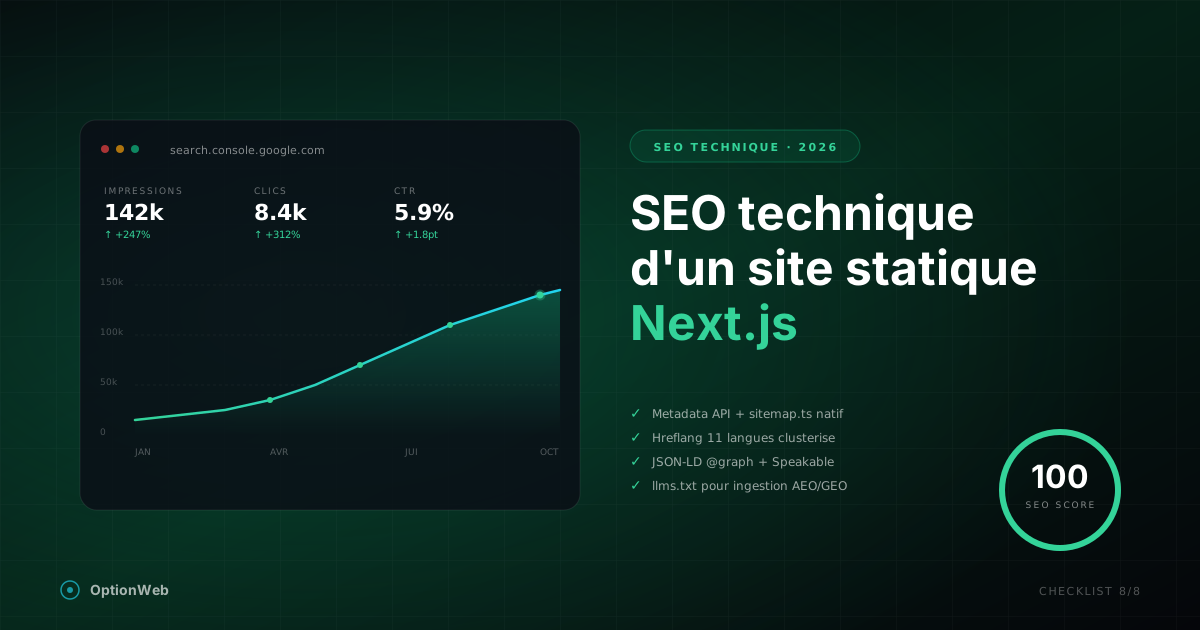
Everything to configure technically for a Next.js static export site to reach 100/100 on SEO: metadata, JSON-LD, sitemap, hreflang, robots, Speakable, advanced schemas.
GEO in 2026: Getting Cited by ChatGPT, Perplexity and Google AI Overviews
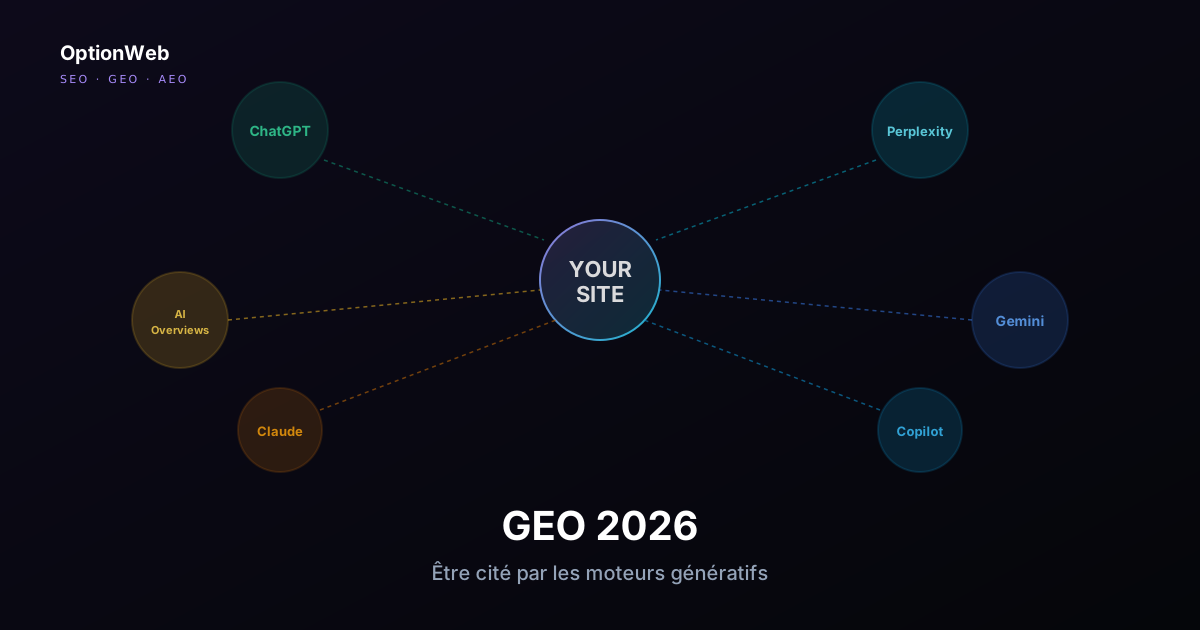
Generative Engine Optimization: how to structure a site to be cited as a source by ChatGPT Search, Perplexity, AI Overviews, Gemini and Copilot. Concrete techniques beyond classic SEO.
Belgian web hosting in 2026: the complete guide for SMBs
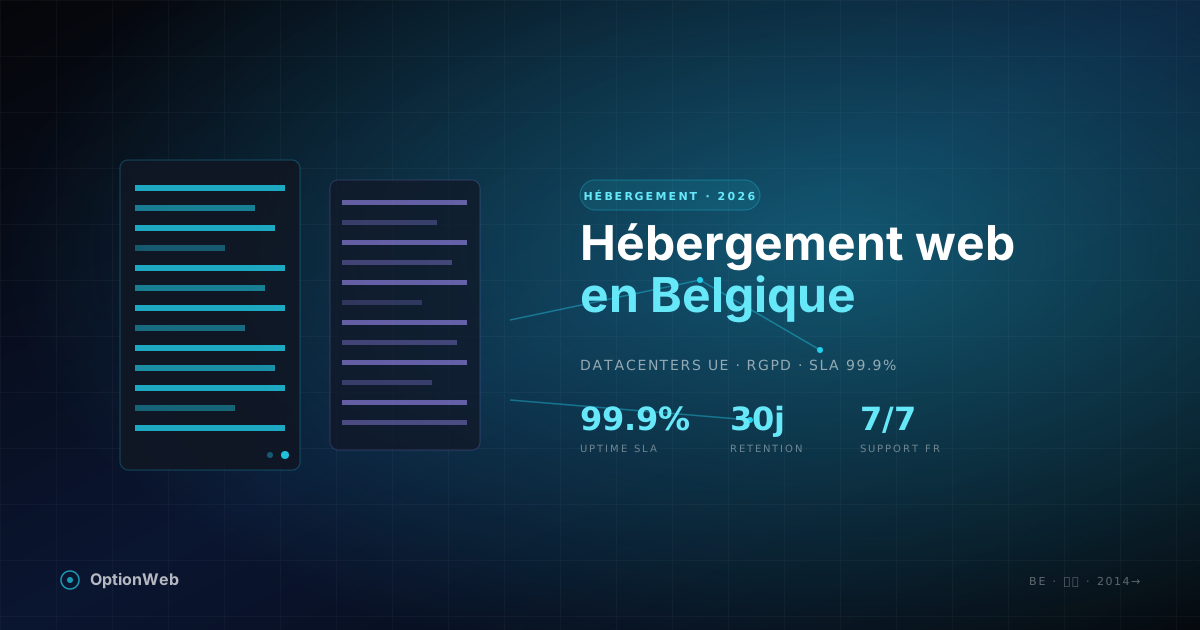
How to choose a Belgian web host in 2026 — selection criteria, real costs, GDPR compliance, local datacenters, performance. Practical guide by OptionWeb.