Next.js Static Export und Core Web Vitals: das 2026 Playbook
Um 95+ PageSpeed Mobile auf Next.js Static Export zu erreichen: Fonts selbst hosten via raw @font-face, LCP-Font mit fetchPriority=high preloaden, Framer Motion above-the-fold vermeiden, nur transform/opacity für Animationen, Layout-Platz für i18n-Inhalte reservieren, hinter Cloudflare Free Tier servieren.

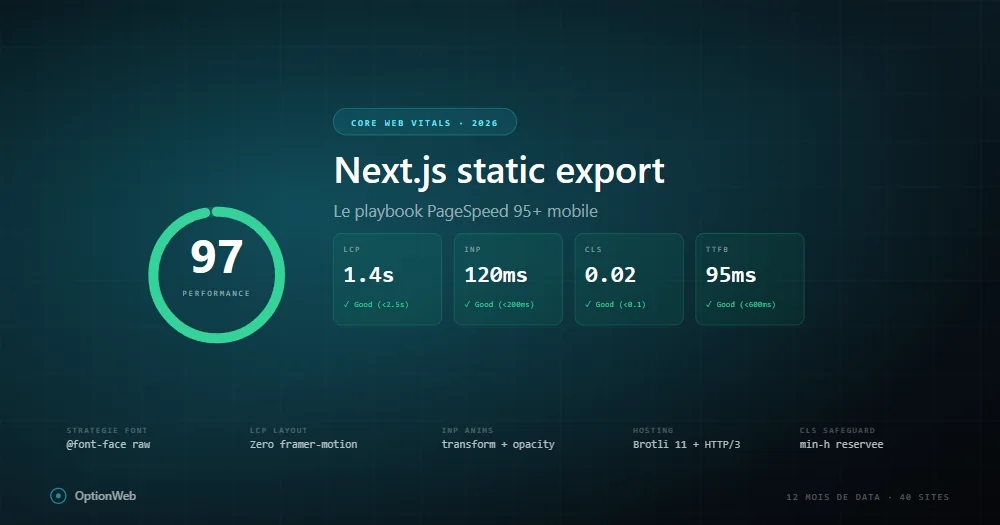
Nach 12 Monaten Produktionsdaten auf 40+ Next.js Sites mit Static Export, hier das exakte Playbook für 95+ PageSpeed Mobile. Keine Theorie — nur was messbar funktioniert.
Baseline: Was Static Export kostenlos liefert
Eine Vanilla Next.js Static Export Site erreicht 95-100 Mobile, weil HTML vorgerendert ist, niedriges TTFB, keine Cold Starts. Sobald Sie Framer Motion, Google Fonts, Icons, Analytics hinzufügen, fallen Sie auf 70-85.
LCP: Kampf gegen render-blocking CSS
PageSpeed-Berichte zeigen dasselbe Problem: zwei render-blocking CSS-Dateien fügen ~500ms Render-Verzögerung hinzu. Das ist 100% des LCP-Budgets.
@font-face {
  font-family: 'Space Grotesk';
  font-weight: 500 700;
  font-display: swap;
  src: url('/fonts/space-grotesk-latin.woff2') format('woff2');
}Font-Strategie, die wirklich funktioniert
- Display Font (Headings) — 1 Variable Font via raw @font-face, 500-700, preload fetchPriority=high.
- Body Font — next/font/google Inter mit 2 Weights (400, 600), nur latin.
- Monospace — next/font/google JetBrains Mono, preload=false.
INP: Framer-Motion-Fallstricke
// ❌ Schlecht: verzögert LCP
<motion.h1 initial={{ opacity: 0 }} animate={{ opacity: 1 }}>Titel</motion.h1>

// ✅ Gut: CSS-Keyframe, null JS-Verzögerung
<h1 className="ow-anim-fade-up">Titel</h1>
Regeln: nie width/height/top/left animieren. Nur transform/opacity. Max 1-2 Animationen pro Viewport. useReducedMotion.
CLS: i18n-Reservierungsmuster
Auf i18n-Sites erscheint CLS, wenn Übersetzungen nach Initial Render laden. Lösung: min-height pro Breakpoint reservieren.
<div className="min-h-[280px] sm:min-h-[220px] md:min-h-[160px] lg:min-h-[130px]">
  <p>{t('tldr.content')}</p>
</div>
Bilder: AVIF, priority, fetchPriority
images: { unoptimized: true, formats: ['image/avif', 'image/webp'] }Hosting: Brotli 11, HTTP/3, Early Hints
- Origin Host — jeder Static Host.
- Cloudflare Free Tier davor — HTTP/3 QUIC, Brotli 11, Edge Cache.
- Early Hints (103) — eliminiert TTFB-Wait aus Critical Path.
- Cache Rule _next/static/* — Cache Everything, Edge TTL 1 Jahr.
- Purge Cache on Deploy — wrangler oder Cloudflare API in CI.
PageSpeed-Regression debuggen
- PageSpeed-Berichte vergleichen — welche Metrik fiel.
- Critical Request Chain — was blockiert jetzt das Rendern.
- Chrome DevTools Performance — localhost mit Throttling.
- Git diff deps — neues npm Package?
- next build output — Route +20KB = verdächtig.
Read next
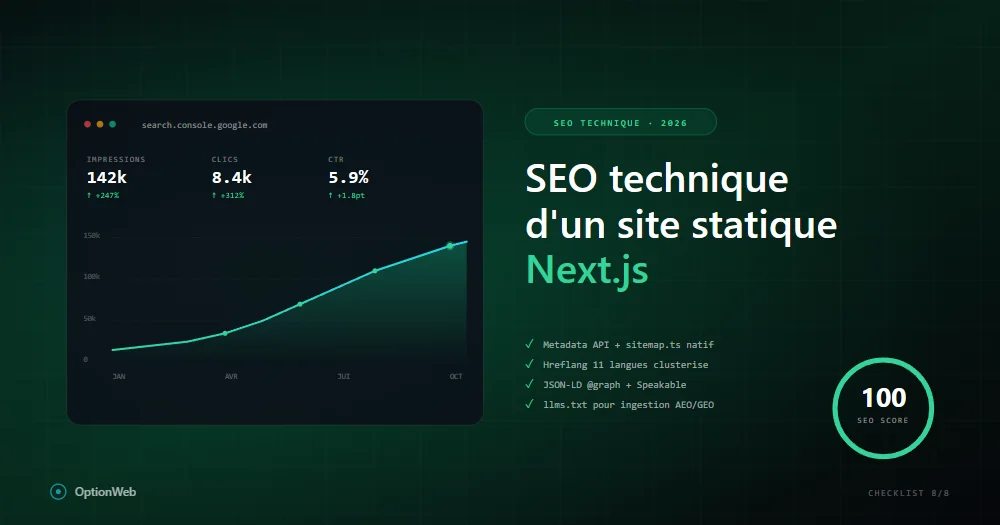
Technisches SEO für eine statische Next.js-Website: Komplette Checkliste 2026
Alles, was technisch konfiguriert werden muss, damit eine Next.js Static-Export-Site 100/100 im SEO erreicht: Metadaten, JSON-LD, Sitemap, hreflang, robots, Speakable, fortgeschrittene Schemas.
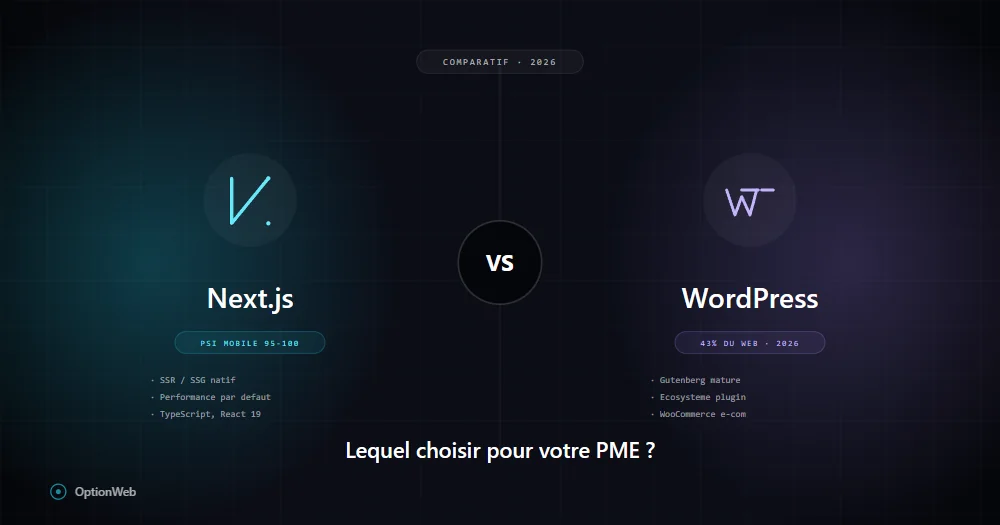
Next.js vs WordPress 2026: Was wählen für ein belgisches KMU?
Ehrlicher Vergleich Next.js vs WordPress für KMU: echte Kosten, Performance, SEO, Wartung, Sicherheit, Flexibilität. Wann welche Wahl treffen je nach Profil.
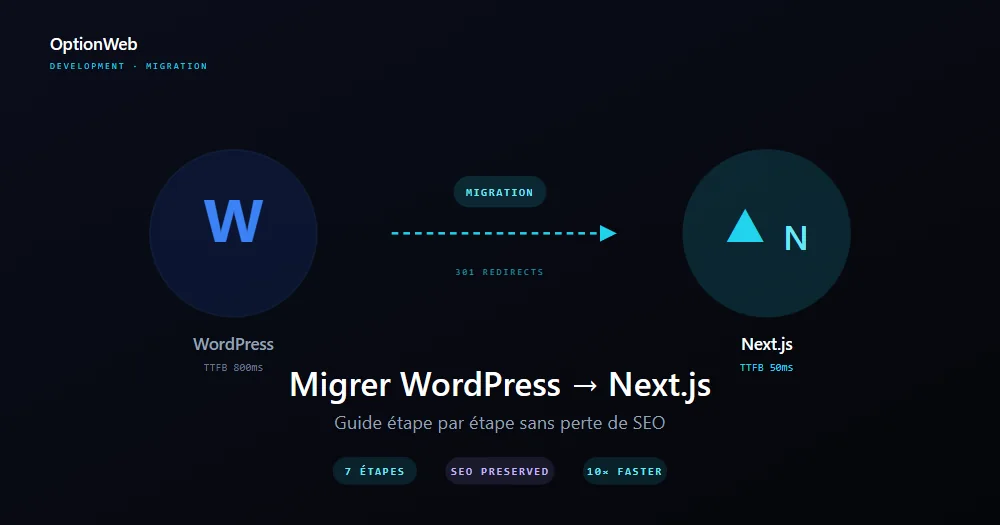
Von WordPress zu Next.js migrieren: Schritt-für-Schritt-Guide 2026
Vollständiger Plan für die Migration einer WordPress-Site zu Next.js Static Export ohne SEO-Verlust: Audit, Content-Export, 301-Weiterleitungen, UI-Redesign, Performance-Messung.