Next.js static export e Core Web Vitals: o playbook 2026
Para atingir 95+ PageSpeed mobile em Next.js static export: auto-hospedar fontes via raw @font-face, precarregar fonte LCP com fetchPriority=high, evitar Framer Motion above-the-fold, usar apenas transform/opacity para animações, reservar espaço layout para conteúdo i18n, servir atrás de Cloudflare free tier.

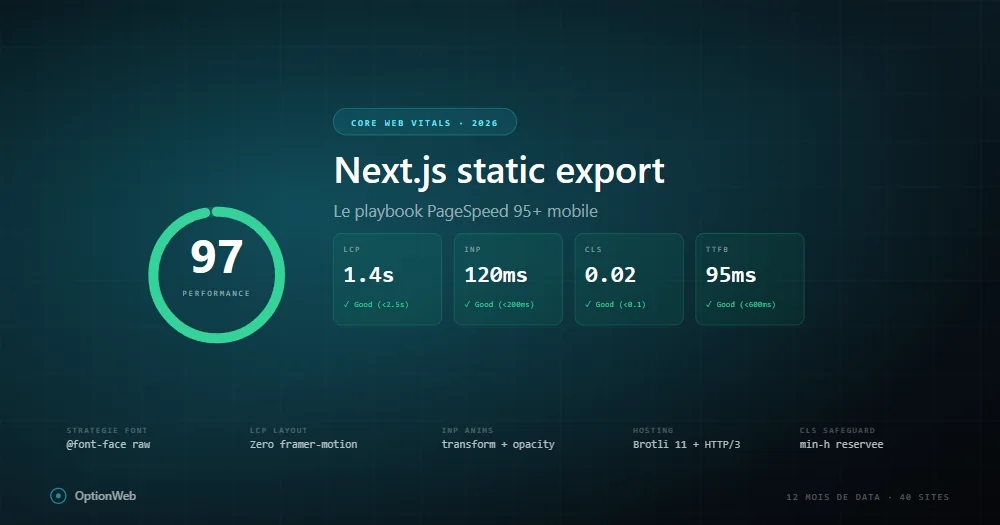
Após 12 meses de dados de produção em 40+ sites Next.js com static export, eis o playbook exato que aplicamos para atingir 95+ PageSpeed mobile. Sem teoria — apenas o que funciona mensuravelmente.
Baseline: o que static export dá grátis
Um site Next.js static export baunilha pontua 95-100 mobile porque todo HTML está pré-renderizado, TTFB baixo, sem cold starts. Ao adicionar Framer Motion, Google Fonts, ícones, analytics, cai para 70-85.
LCP: batalha contra CSS render-blocking
Relatórios PageSpeed mostram o mesmo problema: dois ficheiros CSS render-blocking adicionam ~500ms render delay em mobile throttled. É 100% do orçamento LCP.
@font-face {
  font-family: 'Space Grotesk';
  font-weight: 500 700;
  font-display: swap;
  src: url('/fonts/space-grotesk-latin.woff2') format('woff2');
}Estratégia de fontes que realmente funciona
- Fonte display (headings) — 1 variable font via raw @font-face, preload fetchPriority=high.
- Fonte body — next/font/google Inter com 2 pesos (400, 600), apenas latin.
- Monospace — next/font/google JetBrains Mono, preload=false.
INP: armadilhas Framer Motion
// ❌ Mau
<motion.h1 initial={{ opacity: 0 }} animate={{ opacity: 1 }}>Título</motion.h1>

// ✅ Bom
<h1 className="ow-anim-fade-up">Título</h1>
Regras: nunca animar width/height/top/left. Apenas transform/opacity. Max 1-2 animações por viewport. useReducedMotion.
CLS: padrão reserva i18n
Em sites i18n, CLS aparece quando traduções carregam após render inicial. Solução: reservar min-height por breakpoint.
<div className="min-h-[280px] sm:min-h-[220px] md:min-h-[160px] lg:min-h-[130px]">
  <p>{t('tldr.content')}</p>
</div>
Imagens: AVIF, priority, fetchPriority
images: { unoptimized: true, formats: ['image/avif', 'image/webp'] }Hosting: Brotli 11, HTTP/3, Early Hints
- Host origem — qualquer host estático.
- Cloudflare free tier à frente — HTTP/3, Brotli 11, edge cache.
- Early Hints (103) — elimina wait TTFB do critical path.
- Cache rule _next/static/* — Cache Everything, Edge TTL 1 ano.
- Purge cache no deploy — wrangler ou API Cloudflare em CI.
Como debugar regressão PageSpeed
- Comparar relatórios — qual métrica caiu.
- Critical request chain — o que bloqueia agora o render.
- Chrome DevTools Performance — localhost com throttling.
- Git diff deps — novo pacote npm?
- next build output — rota +20KB = suspeita.
Read next
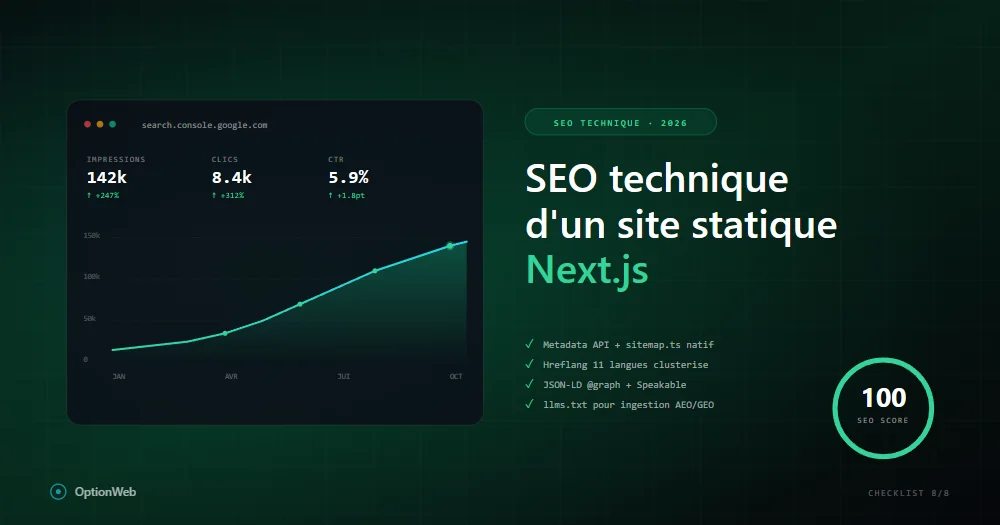
SEO técnico de um site estático Next.js: checklist completa 2026
Tudo o que configurar tecnicamente para um site Next.js em static export atingir 100/100 em SEO: metadata, JSON-LD, sitemap, hreflang, robots, Speakable, schemas avançados.
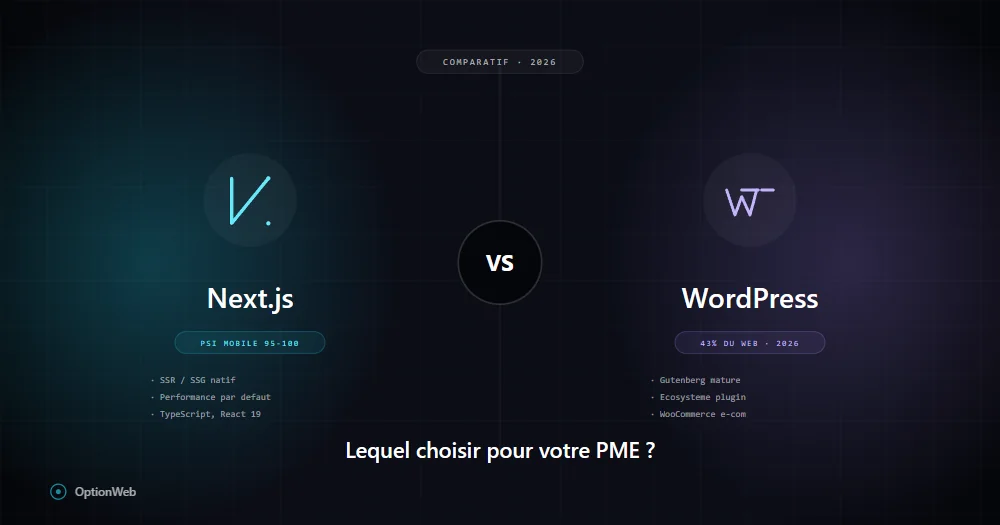
Next.js vs WordPress em 2026: o que escolher para uma PME belga?
Comparação honesta Next.js vs WordPress para PME: custos reais, desempenho, SEO, manutenção, segurança, flexibilidade. Quando escolher um ou outro conforme seu perfil.
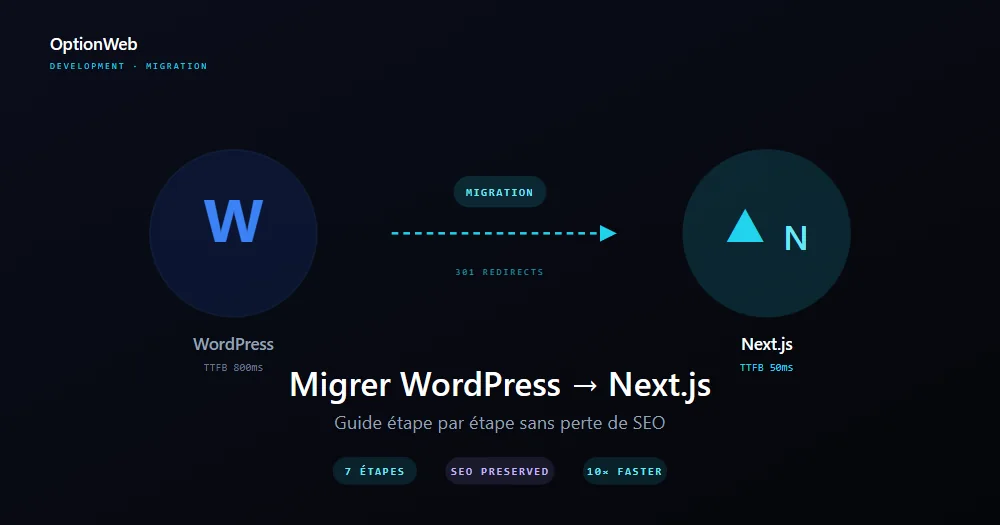
Migrar de WordPress para Next.js: guia passo a passo 2026
Plano completo para migrar um site WordPress para Next.js static export sem perder SEO: auditoria, exportação de conteúdo, redirecionamentos 301, redesign UI e medição de ganhos.