Next.js static export e Core Web Vitals: il playbook 2026
Per raggiungere 95+ PageSpeed mobile su Next.js static export: self-host font via raw @font-face, preload font LCP con fetchPriority=high, evitare Framer Motion above-the-fold, usare solo transform/opacity per animazioni, riservare spazio layout per contenuto i18n, servire dietro Cloudflare free tier.

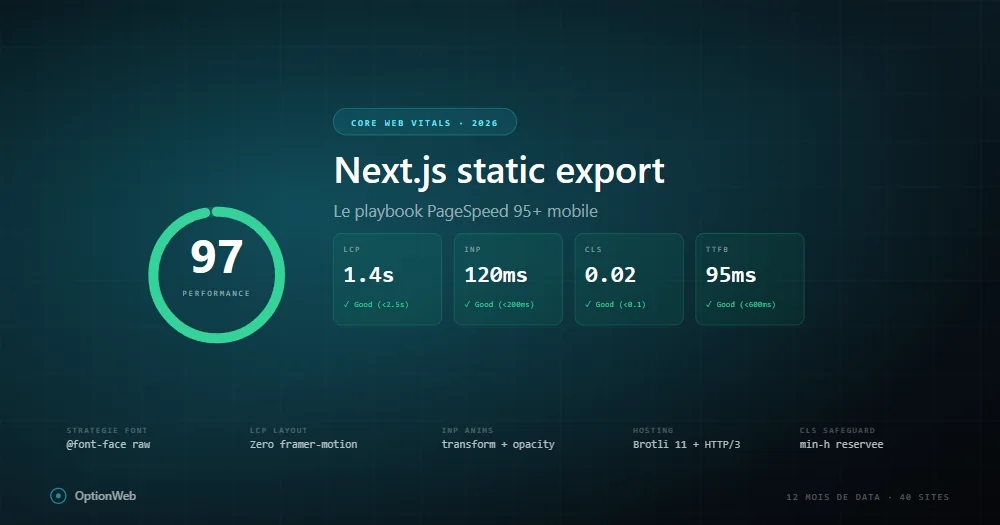
Dopo 12 mesi di dati produzione su 40+ siti Next.js con static export, ecco il playbook esatto che applichiamo per raggiungere 95+ PageSpeed mobile. Nessuna teoria — solo ciò che funziona misurabilmente.
Baseline: cosa static export dà gratis
Un sito Next.js static export vaniglia punta 95-100 mobile perché tutto HTML pre-renderizzato, TTFB basso, nessun cold start. Aggiungendo Framer Motion, Google Fonts, icone, analytics, scendi a 70-85 senza accorgertene.
LCP: battaglia contro CSS render-blocking
Report PageSpeed mostrano stesso problema: due file CSS render-blocking aggiungono ~500ms render delay su mobile throttled. È 100% del budget LCP.
@font-face {
  font-family: 'Space Grotesk';
  font-weight: 500 700;
  font-display: swap;
  src: url('/fonts/space-grotesk-latin.woff2') format('woff2');
}Strategia font che funziona
- Display font (heading) — 1 variable font via raw @font-face, preload fetchPriority=high.
- Body font — next/font/google Inter con 2 pesi (400, 600), solo latin.
- Monospace — next/font/google JetBrains Mono, preload=false.
INP: trappole Framer Motion
// ❌ Male
<motion.h1 initial={{ opacity: 0 }} animate={{ opacity: 1 }}>Titolo</motion.h1>

// ✅ Bene
<h1 className="ow-anim-fade-up">Titolo</h1>
Regole: mai animare width/height/top/left. Solo transform/opacity. Max 1-2 animazioni per viewport. useReducedMotion.
CLS: pattern riserva i18n
Su siti i18n, CLS appare quando traduzioni caricano dopo render iniziale. Soluzione: riservare min-height per breakpoint.
<div className="min-h-[280px] sm:min-h-[220px] md:min-h-[160px] lg:min-h-[130px]">
  <p>{t('tldr.content')}</p>
</div>
Immagini: AVIF, priority, fetchPriority
images: { unoptimized: true, formats: ['image/avif', 'image/webp'] }Hosting: Brotli 11, HTTP/3, Early Hints
- Host origin — qualsiasi host statico.
- Cloudflare free tier davanti — HTTP/3, Brotli 11, edge cache.
- Early Hints (103) — elimina wait TTFB dal critical path.
- Cache rule _next/static/* — Cache Everything, Edge TTL 1 anno.
- Purge cache al deploy — wrangler o API Cloudflare in CI.
Come debuggare regressione PageSpeed
- Confronta report — quale metrica è scesa.
- Critical request chain — cosa blocca ora il render.
- Chrome DevTools Performance — localhost con throttling.
- Git diff deps — nuovo pacchetto npm?
- next build output — rotta +20KB = sospetta.
Read next
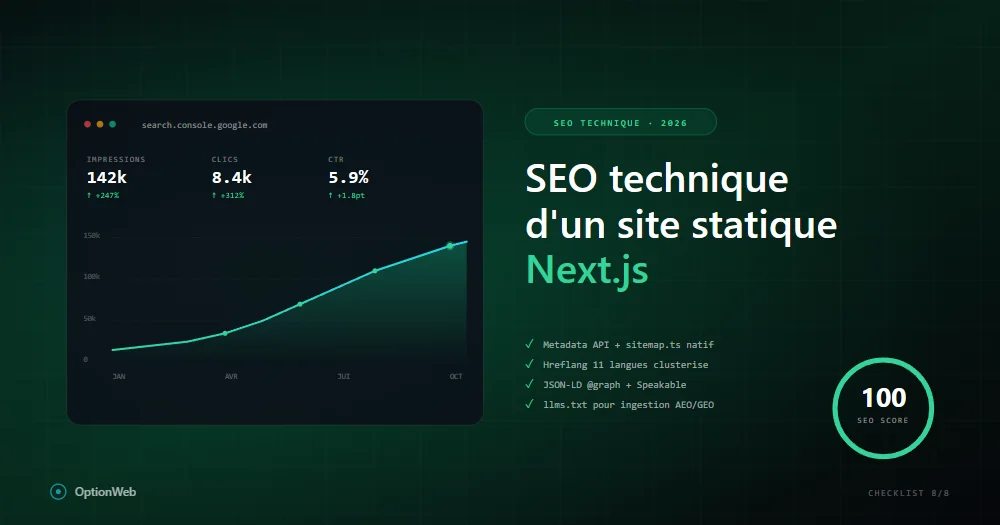
SEO tecnico di un sito statico Next.js: checklist completa 2026
Tutto quello da configurare tecnicamente perché un sito Next.js static export raggiunga 100/100 SEO: metadata, JSON-LD, sitemap, hreflang, robots, Speakable, schema avanzati.
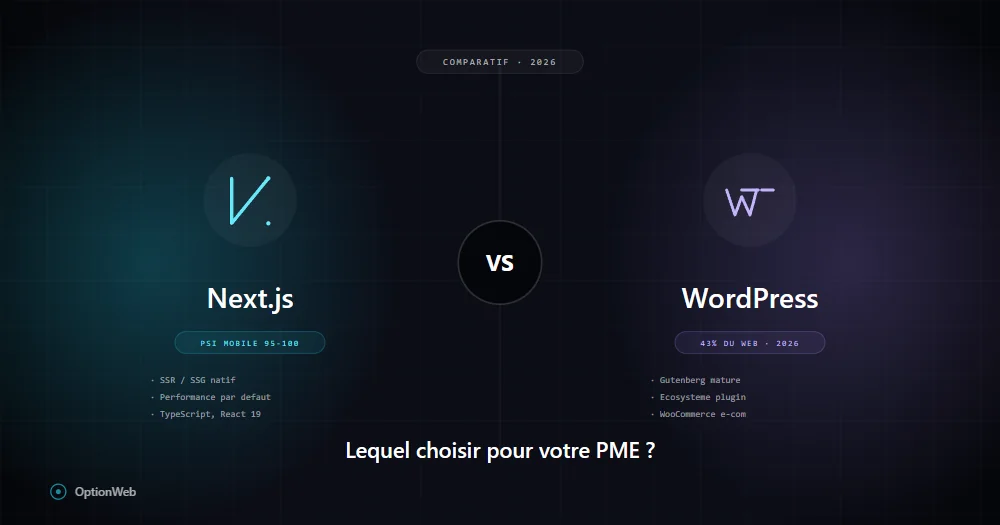
Next.js vs WordPress nel 2026: quale scegliere per una PMI belga?
Confronto onesto Next.js vs WordPress per PMI: costi reali, prestazioni, SEO, manutenzione, sicurezza, flessibilità. Quando scegliere l'uno o l'altro in base al tuo profilo.
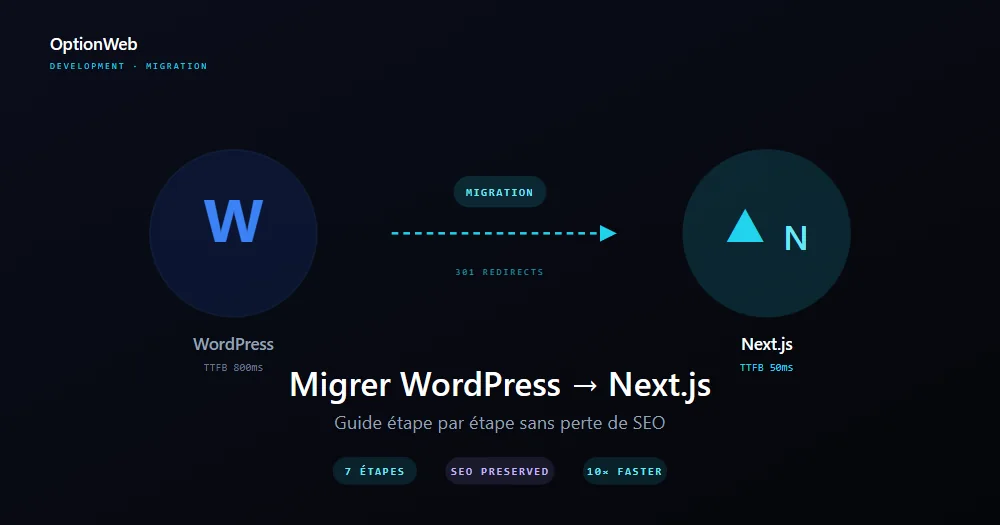
Migrare da WordPress a Next.js: guida passo passo 2026
Piano completo per migrare un sito WordPress a Next.js static export senza perdere SEO: audit, esportazione contenuti, redirect 301, ridisegno UI, misurazione delle performance.