Next.js static export y Core Web Vitals: el playbook 2026
Para alcanzar 95+ PageSpeed móvil en Next.js static export: auto-hostear fuentes vía raw @font-face, precargar la fuente LCP con fetchPriority=high, evitar Framer Motion en above-the-fold, usar solo transform/opacity para animaciones, reservar espacio de layout para contenido i18n, servir detrás de Cloudflare free tier.

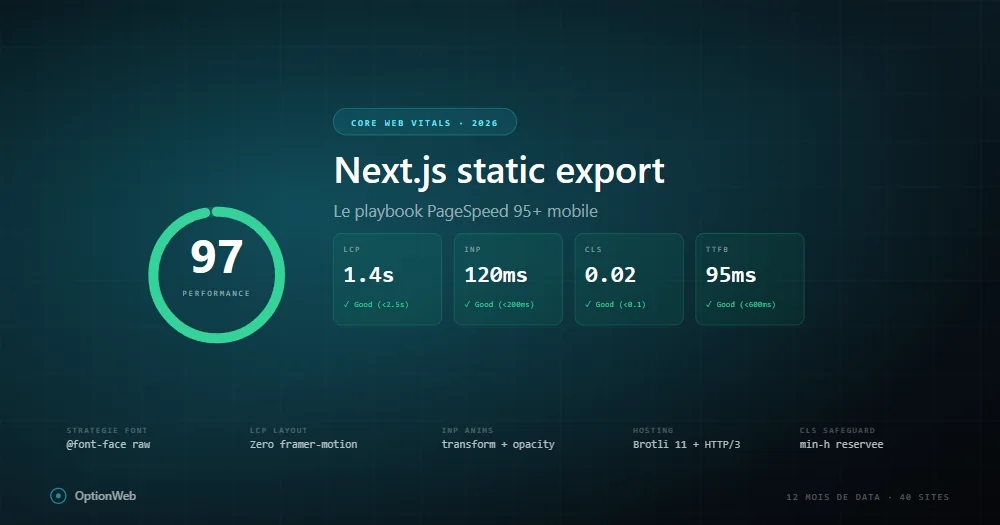
Tras 12 meses de datos en producción sobre 40+ sitios Next.js con static export, aquí el playbook exacto que aplicamos para alcanzar 95+ PageSpeed móvil. Sin teoría — solo lo que funciona mensurablemente.
Baseline: lo que static export da gratis
Un sitio Next.js static export vainilla puntúa 95-100 móvil porque todo el HTML está pre-renderizado, TTFB bajo, sin cold starts. Al añadir Framer Motion, Google Fonts, iconos, analytics, bajas a 70-85 sin darte cuenta.
LCP: la batalla contra CSS render-blocking
Informes PageSpeed muestran el mismo problema: dos archivos CSS render-blocking añaden ~500ms render delay en móvil throttled. Es 100% del presupuesto LCP.
@font-face {
  font-family: 'Space Grotesk';
  font-weight: 500 700;
  font-display: swap;
  src: url('/fonts/space-grotesk-latin.woff2') format('woff2');
}Estrategia de fuentes que realmente funciona
- Display font (headings) — 1 variable font vía raw @font-face, preload fetchPriority=high.
- Body font — next/font/google Inter con 2 pesos (400, 600), solo latin.
- Monospace — next/font/google JetBrains Mono, preload=false.
INP: trampas Framer Motion
// ❌ Malo
<motion.h1 initial={{ opacity: 0 }} animate={{ opacity: 1 }}>Título</motion.h1>

// ✅ Bueno
<h1 className="ow-anim-fade-up">Título</h1>
Reglas: nunca animar width/height/top/left. Solo transform/opacity. Max 1-2 animaciones por viewport. useReducedMotion.
CLS: patrón de reserva i18n
En sitios i18n, CLS aparece cuando traducciones cargan tras render inicial. Solución: reservar min-height por breakpoint.
<div className="min-h-[280px] sm:min-h-[220px] md:min-h-[160px] lg:min-h-[130px]">
  <p>{t('tldr.content')}</p>
</div>
Imágenes: AVIF, priority, fetchPriority
images: { unoptimized: true, formats: ['image/avif', 'image/webp'] }Hosting: Brotli 11, HTTP/3, Early Hints
- Host origen — cualquier host estático.
- Cloudflare free tier delante — HTTP/3, Brotli 11, edge cache.
- Early Hints (103) — elimina wait TTFB del critical path.
- Cache rule _next/static/* — Cache Everything, Edge TTL 1 año.
- Purge cache en deploy — wrangler o API Cloudflare en CI.
Cómo depurar regresión PageSpeed
- Comparar informes — qué métrica bajó.
- Critical request chain — qué bloquea ahora.
- Chrome DevTools Performance — localhost con throttling.
- Git diff deps — nuevo paquete npm?
- next build output — ruta +20KB = sospechosa.
Read next
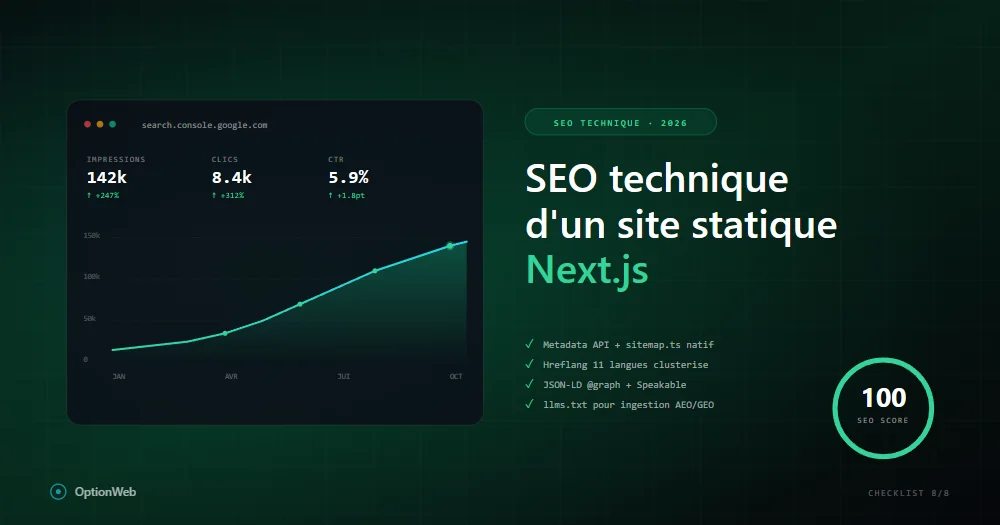
SEO técnico para un sitio estático Next.js: checklist completa 2026
Todo lo que configurar técnicamente para que un sitio Next.js en static export alcance 100/100 en SEO: metadata, JSON-LD, sitemap, hreflang, robots, Speakable, schemas avanzados.
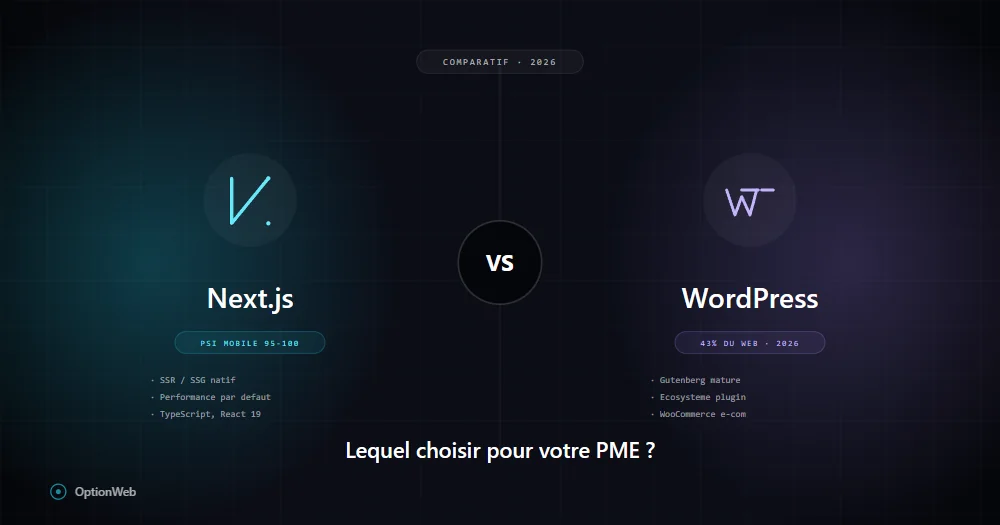
Next.js vs WordPress en 2026: ¿qué elegir para una PYME belga?
Comparación honesta Next.js vs WordPress para PYMES: costes reales, rendimiento, SEO, mantenimiento, seguridad, flexibilidad. Cuándo elegir uno u otro según tu perfil.
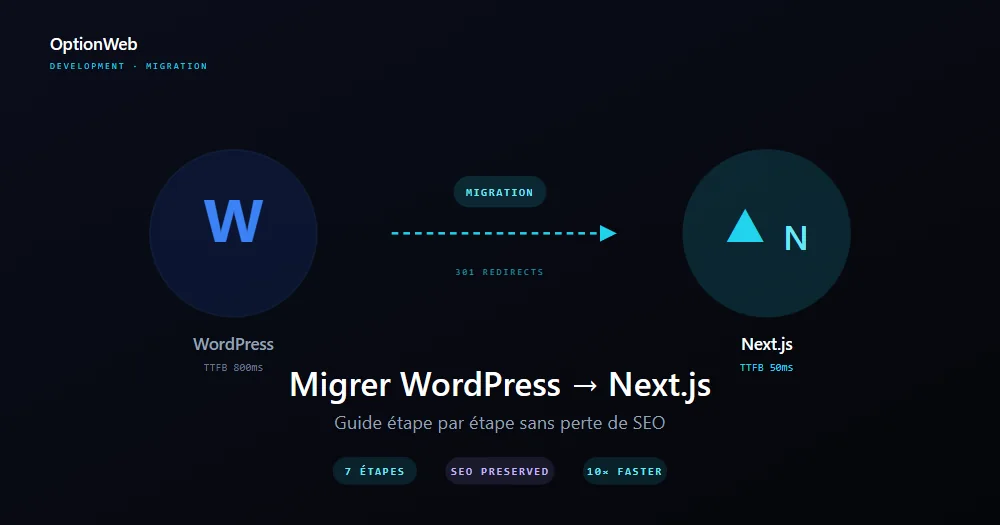
Migrar de WordPress a Next.js: guía paso a paso 2026
Plan completo para migrar un sitio WordPress a Next.js exportación estática sin perder SEO: auditoría, exportación de contenido, redirecciones 301, rediseño UI y medición de ganancias.